
Word Search
Hand-drawn word search puzzles you can play on screen or print out.
$4.99Downloads and purchases are not open yet. Check back soon.
About Word Search
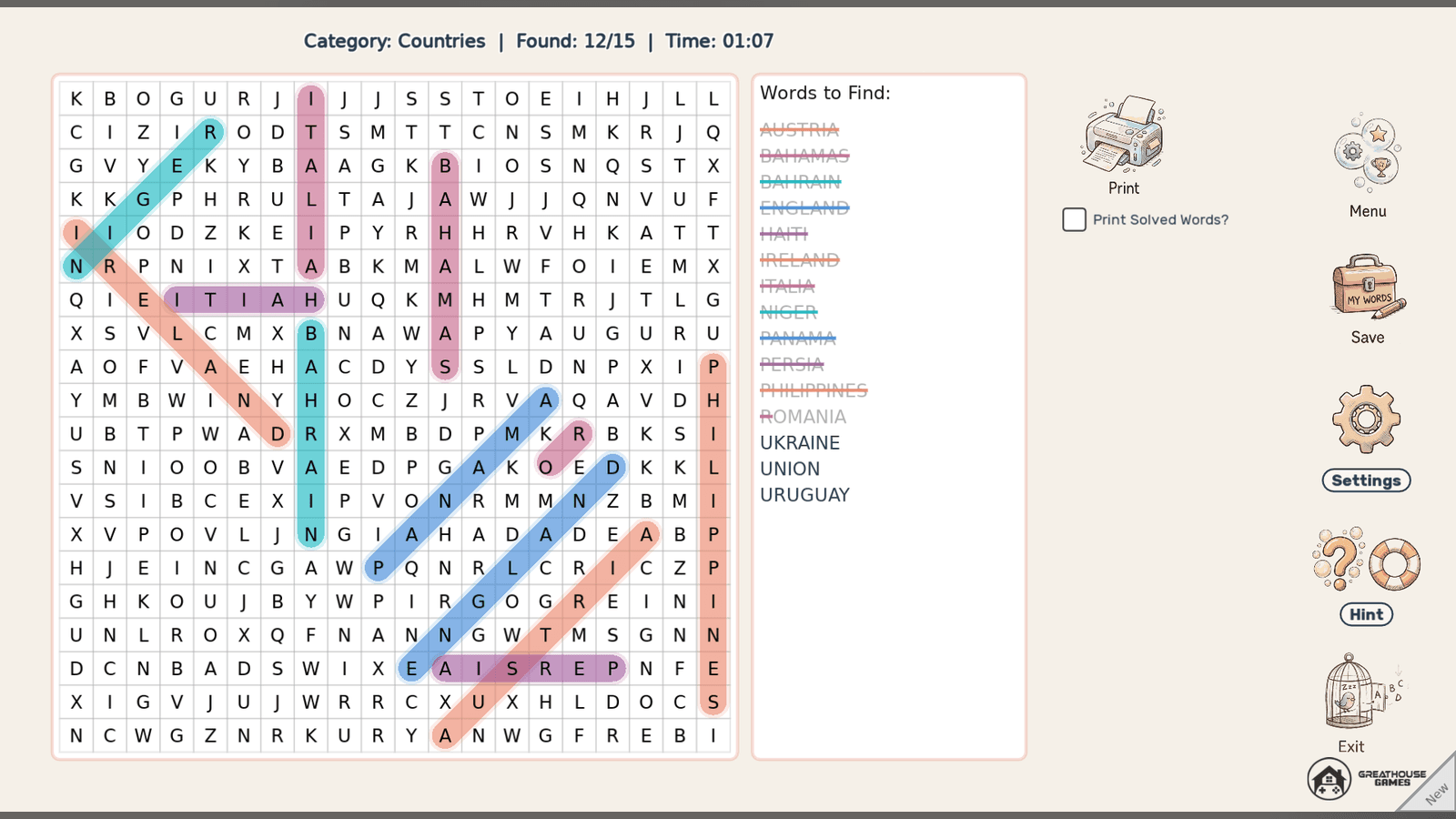
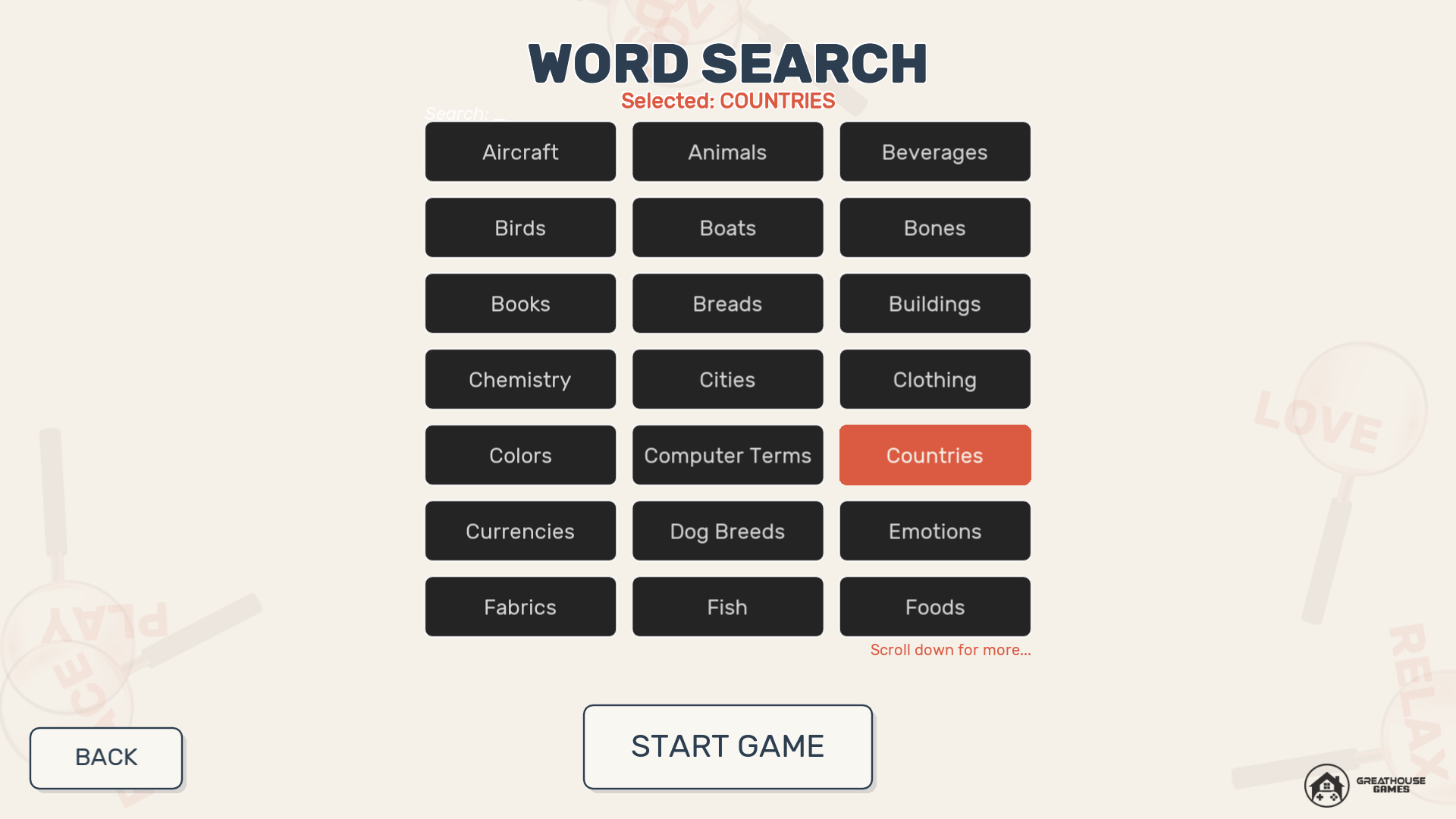
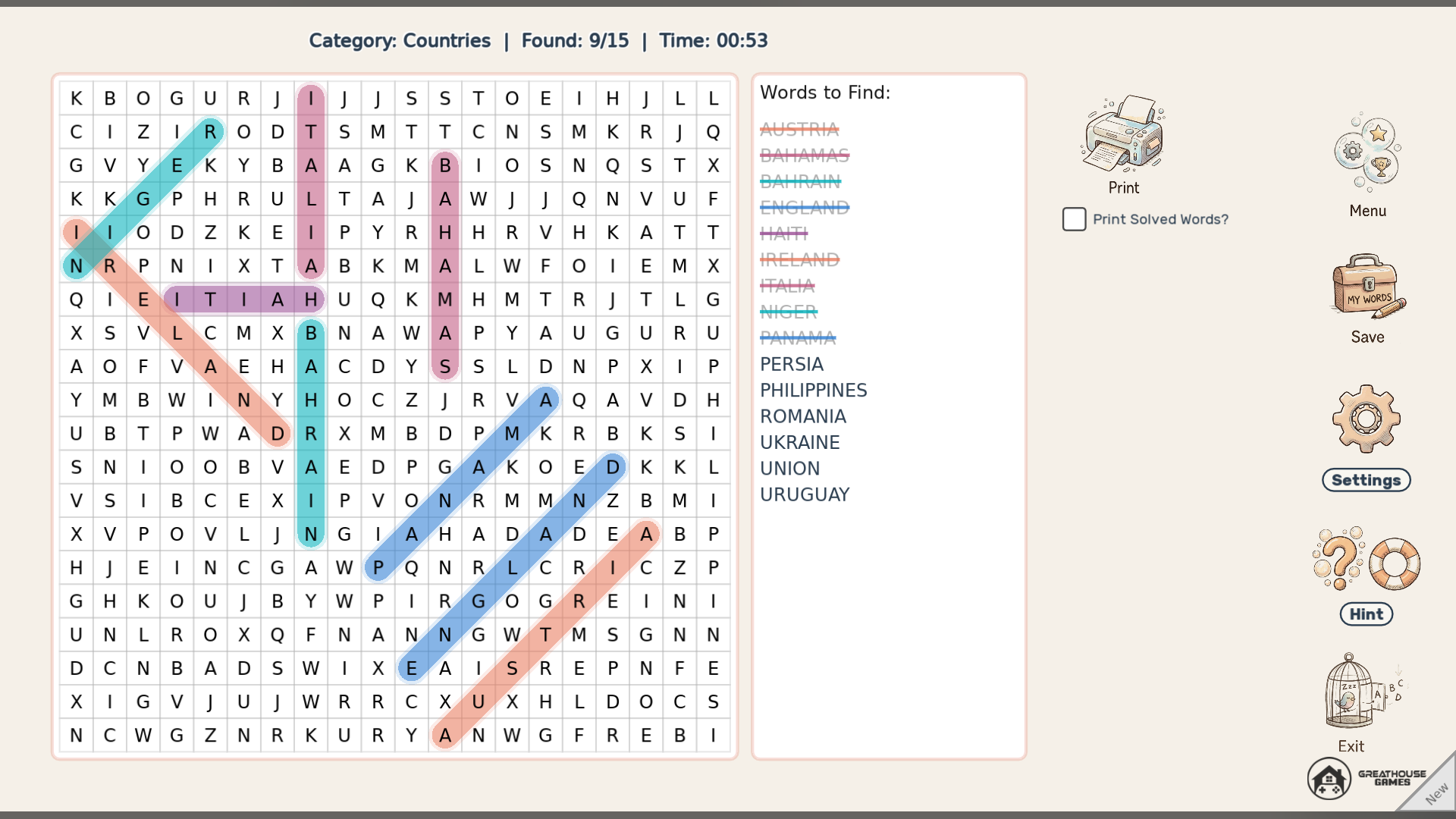
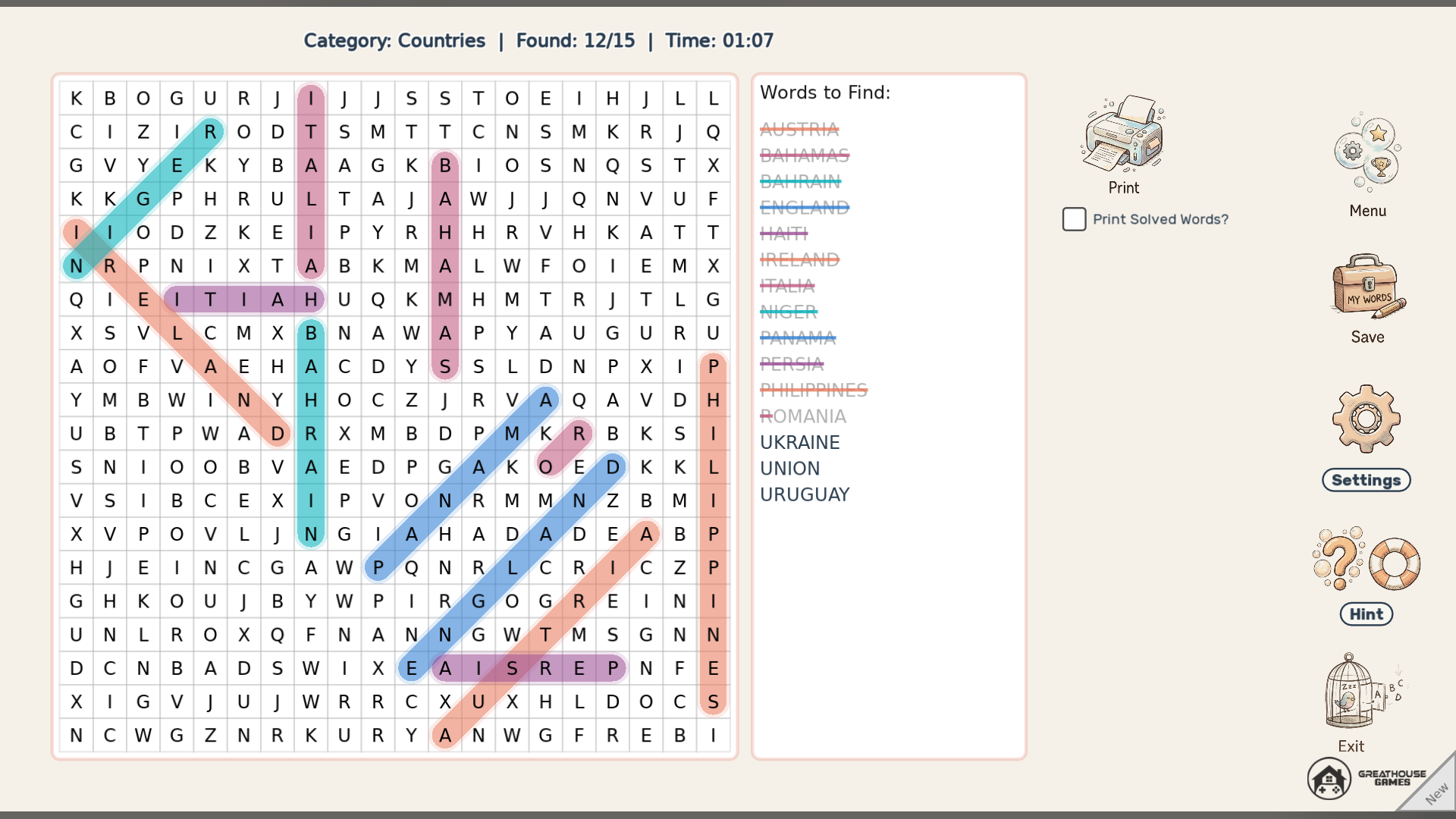
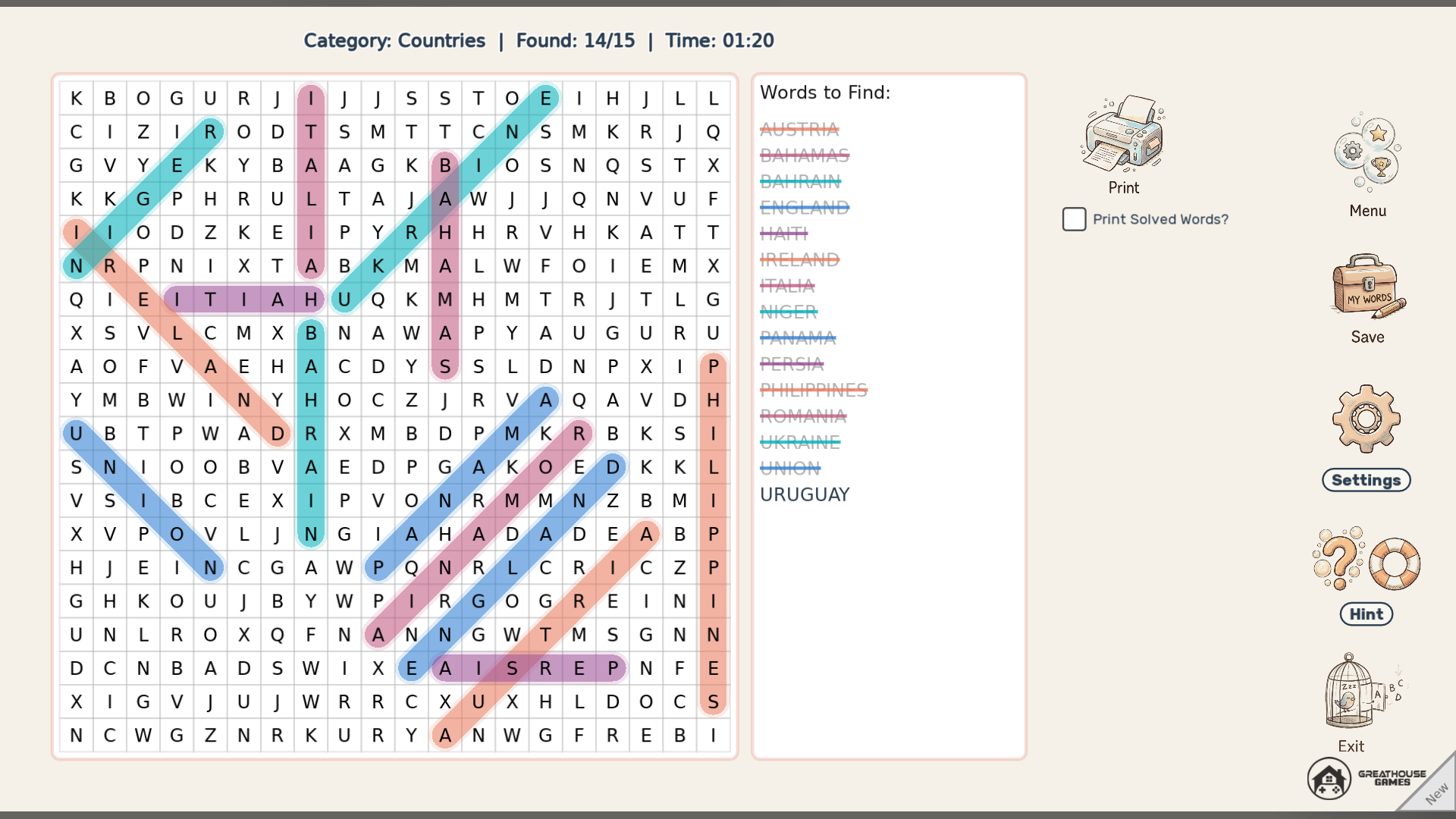
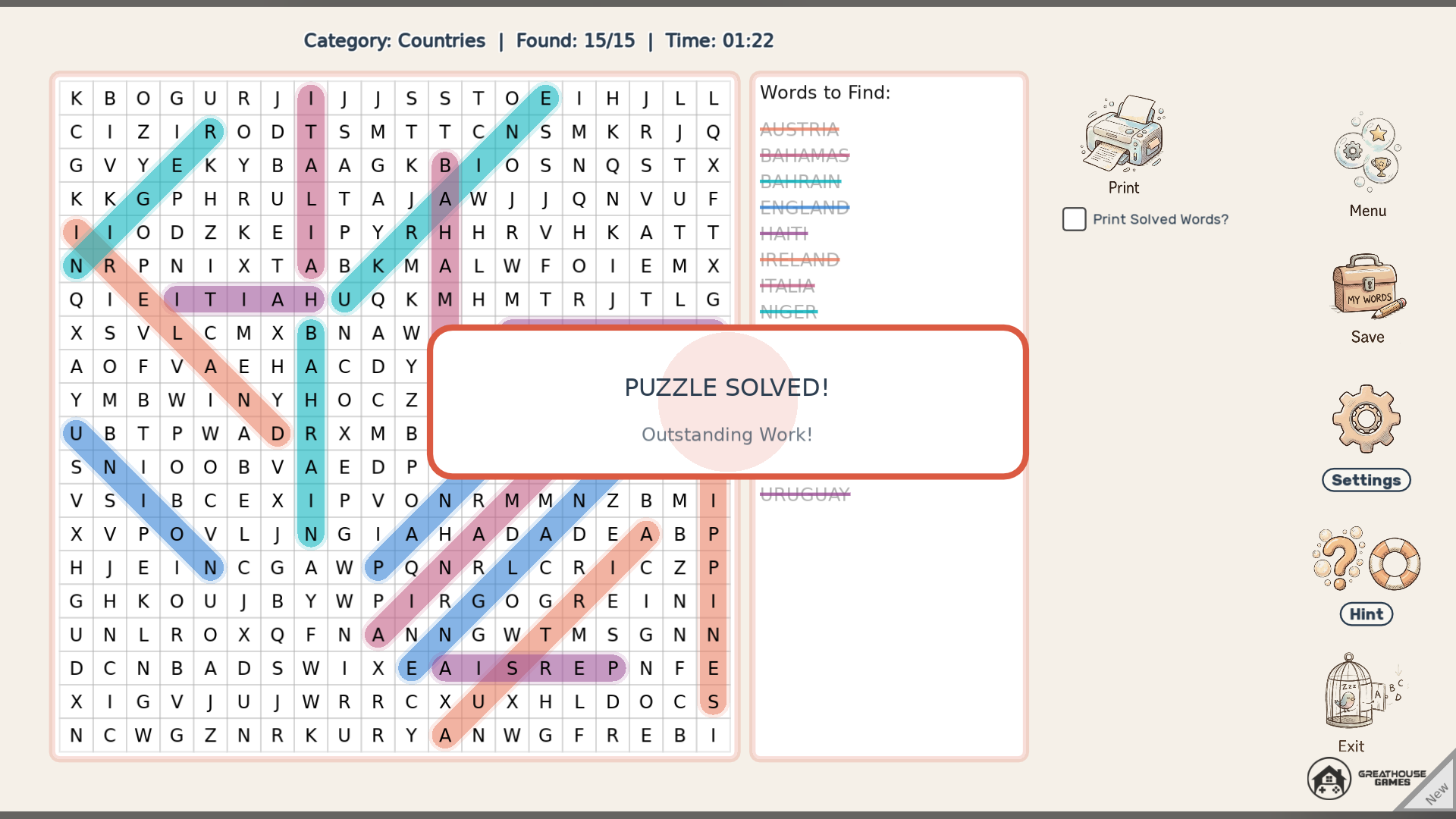
Word Search is the classic pen-and-paper puzzle brought to your desktop. Drag across the grid to trace hidden words in any of eight directions: horizontal, vertical, diagonal, and backwards. Each puzzle is generated from the category you choose, and you can type on the category screen to search the list.
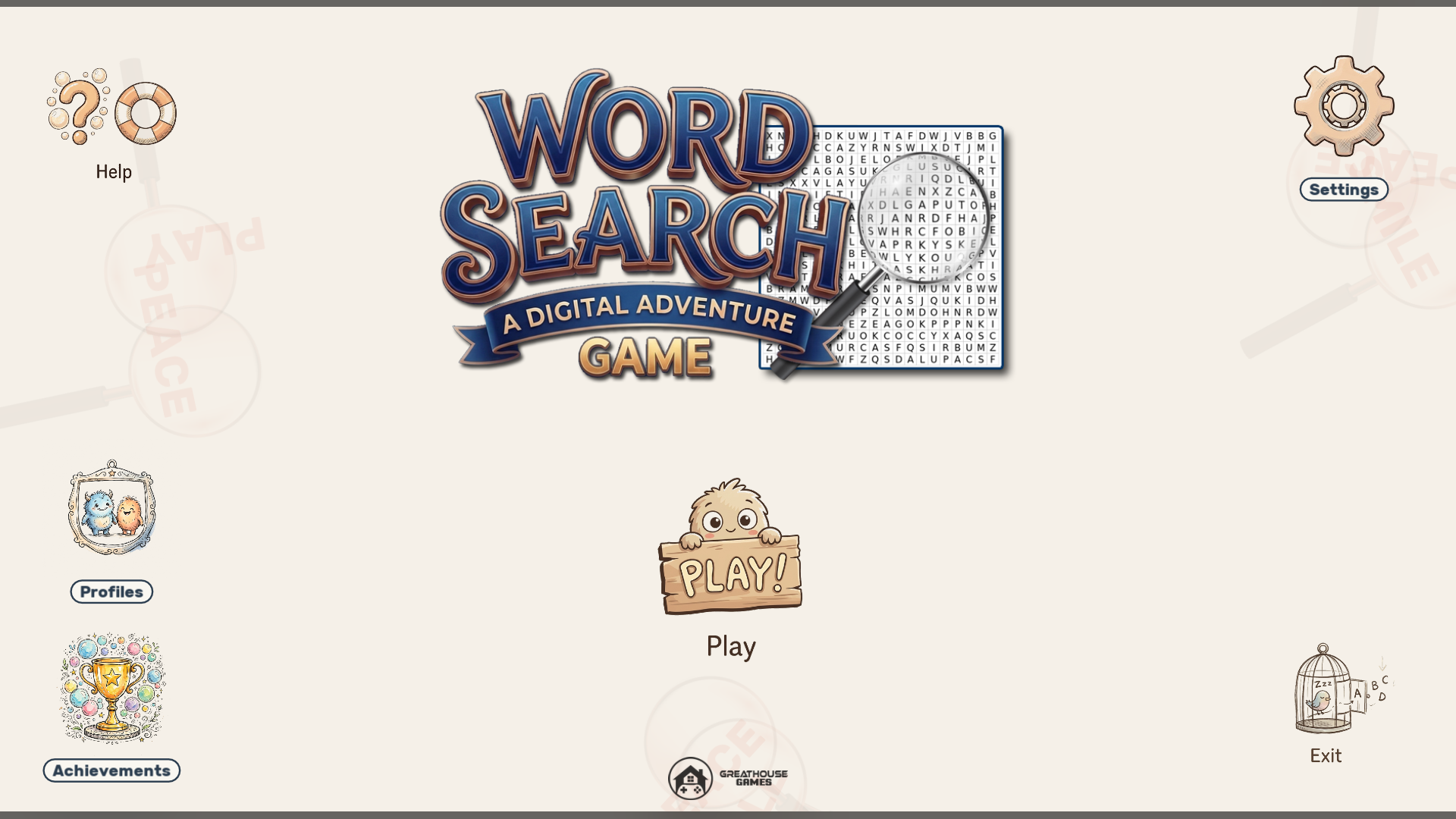
Pick Quick Puzzle, Standard or Marathon. Your current game saves automatically so you can pick up where you left off, and profiles and an achievement system track your progress.
When you would rather use real paper, export any puzzle as a 300 DPI image for printing, with an option to strike through the words you have already found.
Features
- Words placed in eight directions, including diagonals and backwards
- A wide variety of categories, with search by typing
- Quick Puzzle, Standard and Marathon difficulty settings
- Automatic save of your current puzzle
- Multiple player profiles and achievements
- Export puzzles as 300 DPI images for printing, with found words struck through
- Separate music and sound-effect volume sliders
- Scales cleanly from 720p to 4K
Screenshots
Platforms and downloads
| Platform | Version | File | Size |
|---|---|---|---|
| Windows installer Windows 10 or 11, 64-bit | 1.0.0 | WordSearch_Setup_v1.0.0.exe | 19.9 MB |
| Linux AppImage 64-bit (x86_64), self-contained | 1.0.0 | WordSearch-linux-v1.0.0.x86_64.AppImage | 20.2 MB |
| macOS disk image Intel and Apple silicon; open it and drag the game to Applications | 1.0.0 | WordSearch-macos-v1.0.0.dmg | 26.7 MB |
| macOS app (zip) Same app as the disk image, as a zip | 1.0.0 | WordSearch-macos-v1.0.0.zip | 25.1 MB |
Downloads are coming soon.
How to install
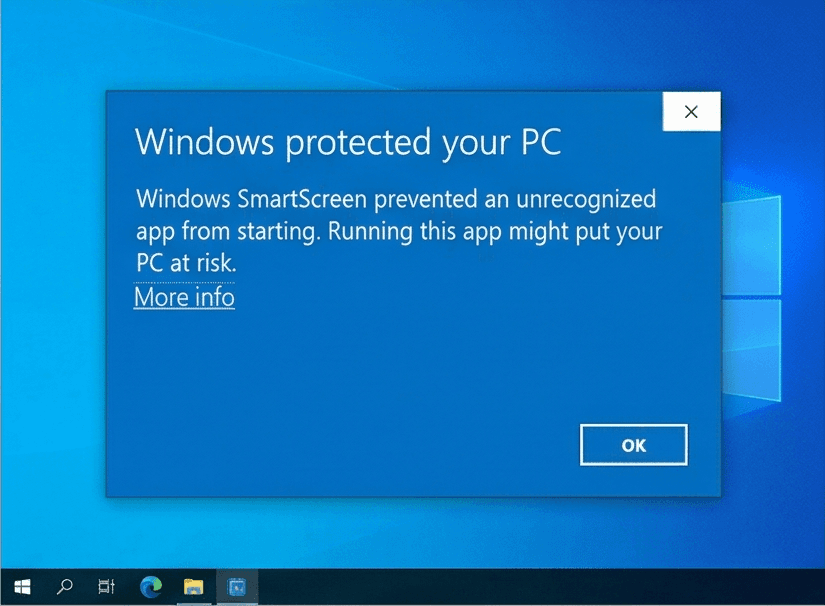
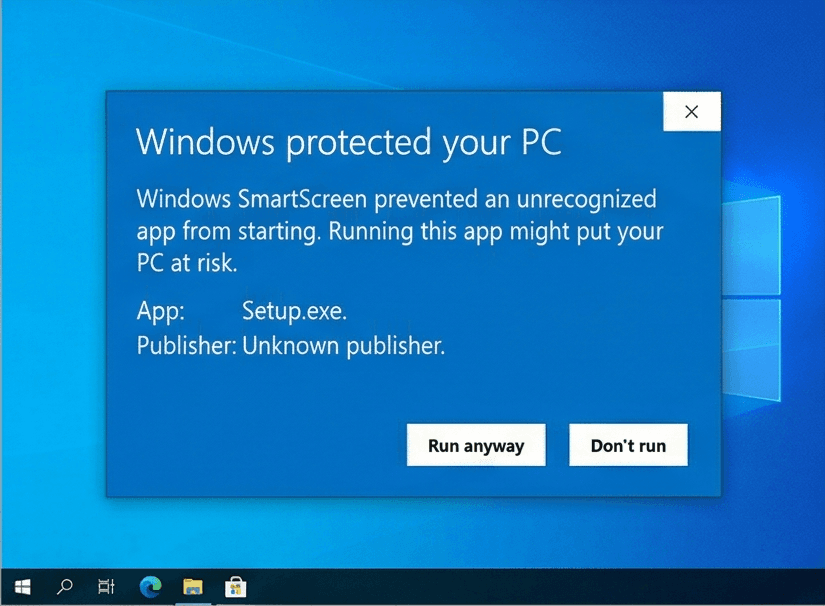
Our Windows installers are digitally signed by Rochaus Design, LLC. Windows SmartScreen can still show a warning for new software until it has built up a reputation. This is expected; here is how to continue. The macOS builds are not yet notarized by Apple, so macOS asks you to approve them once. See the FAQ for more troubleshooting.
Windows
- Download
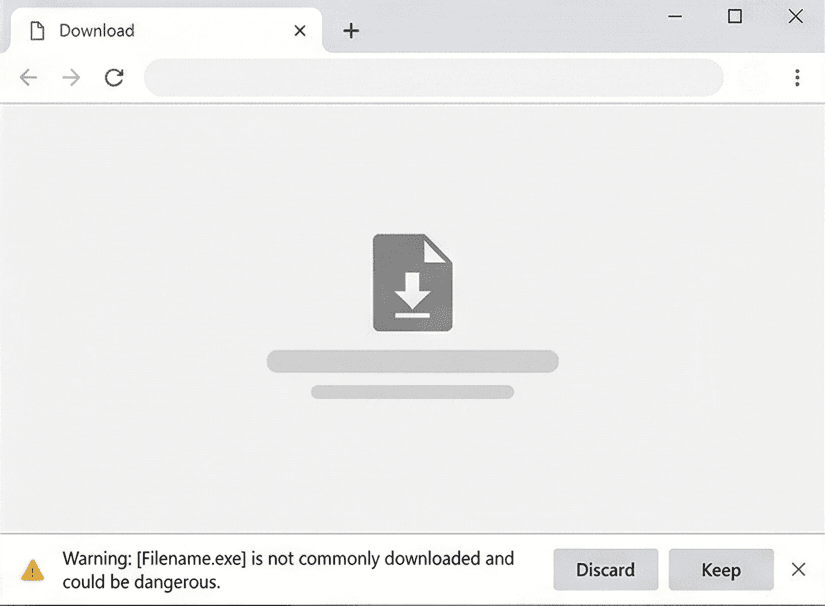
WordSearch_Setup_v1.0.0.exefrom your download page. - If your browser blocks the file, open its download menu and choose Keep (then Keep anyway).
- Run the installer. If Windows SmartScreen says it "protected your PC", click More info, then Run anyway.
- Start the game. In the Unlock window, click Paste serial (or press Ctrl+V) with the serial from your purchase email copied. The installer does not ask for it.
Linux
- Download
WordSearch-linux-v1.0.0.x86_64.AppImage. - Make it executable:
chmod +x WordSearch-linux-v1.0.0.x86_64.AppImage, or tick Allow executing as a program in its file properties. - Run it. If your system lacks FUSE, start it from a terminal with
--appimage-extract-and-run. - In the Unlock window, click Paste serial (or press Ctrl+V) with the serial from your purchase email copied.
macOS
- Download
WordSearch-macos-v1.0.0.dmg(or the.zip, which holds the same app) from your download page. - Open the disk image and drag Word Search onto Applications. For the zip, double-click it and move the app to Applications.
- Open the game from Applications. macOS says it cannot verify the developer: click Done (or OK).
- Open System Settings > Privacy & Security, scroll down and click Open Anyway, then confirm. You only do this once per game. On macOS 14 or earlier you can instead Control-click the app and choose Open.
- In the Unlock window, click Paste serial (or press Ctrl+V; the Cmd+V shortcut does not work there) with the serial from your purchase email copied.
System requirements
- OS
- Windows 10 or 11 (64-bit)macOS 10.15 or later (Intel or Apple silicon)Linux, 64-bit (x86_64) desktop distribution
- Memory
- 2 GB RAM
- Storage
- 100 MB free space
- Graphics
- Any graphics card or integrated GPU with OpenGL 2.1 support
- Input
- Mouse or trackpad and keyboard
Controls
Mouse
- Click and drag
- Trace a word across the grid; release to check it
- Click
- Navigate menus and settings
Keyboard
- Type
- Search categories on the category screen
- Esc
- Go back
License
Word Search is licensed, not sold. Read the End-User License Agreement before you buy. Third-party credits ship with the game in THIRD_PARTY_NOTICES.txt. See also our Terms of Service and Privacy Policy.
Release notes
See what changed in every version of Word Search: release notes.