
Tic Tac Toe
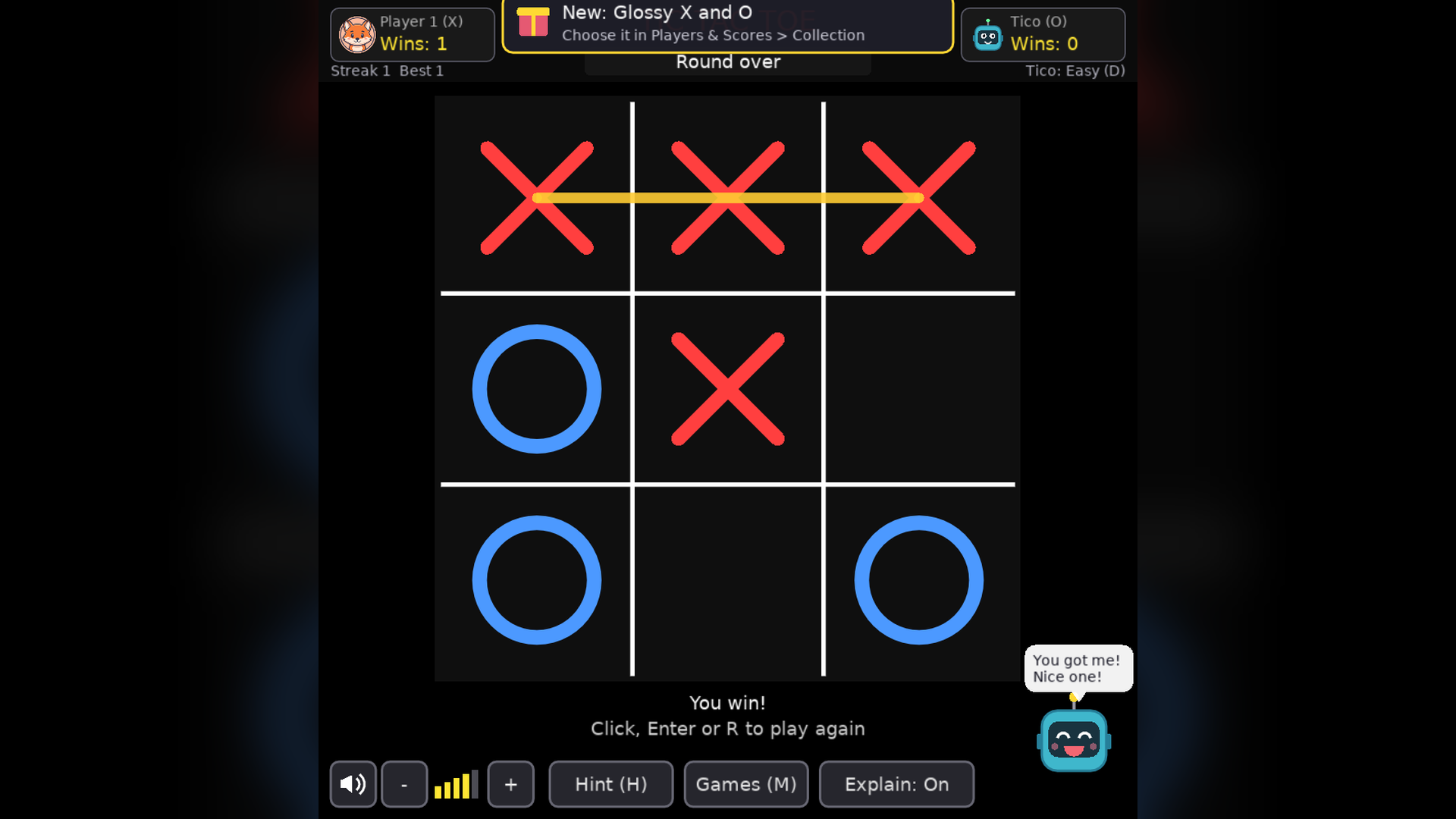
The family classic, with a computer opponent that plays at four levels and six ways to play.
FREEFree downloadFree: no purchase, no serial number, no account and no ads. Choose your platform below and download.
About Tic Tac Toe
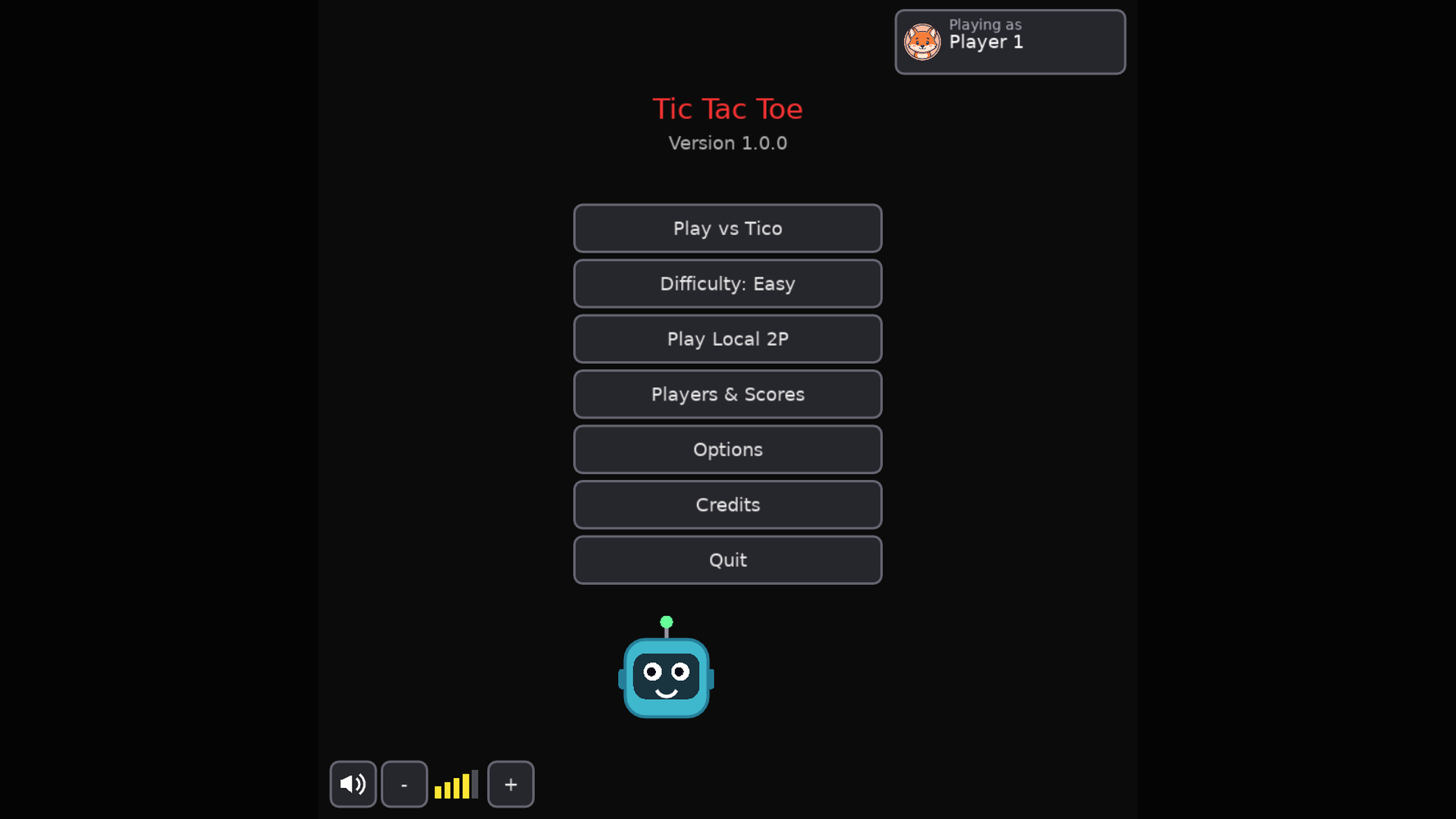
A Tic Tac Toe game for the whole household, and it is free: no purchase, no serial number and no account. Play the computer, Tico, at four difficulty levels from Easy to Unbeatable, or take turns with a friend on the same screen. It runs fully offline.
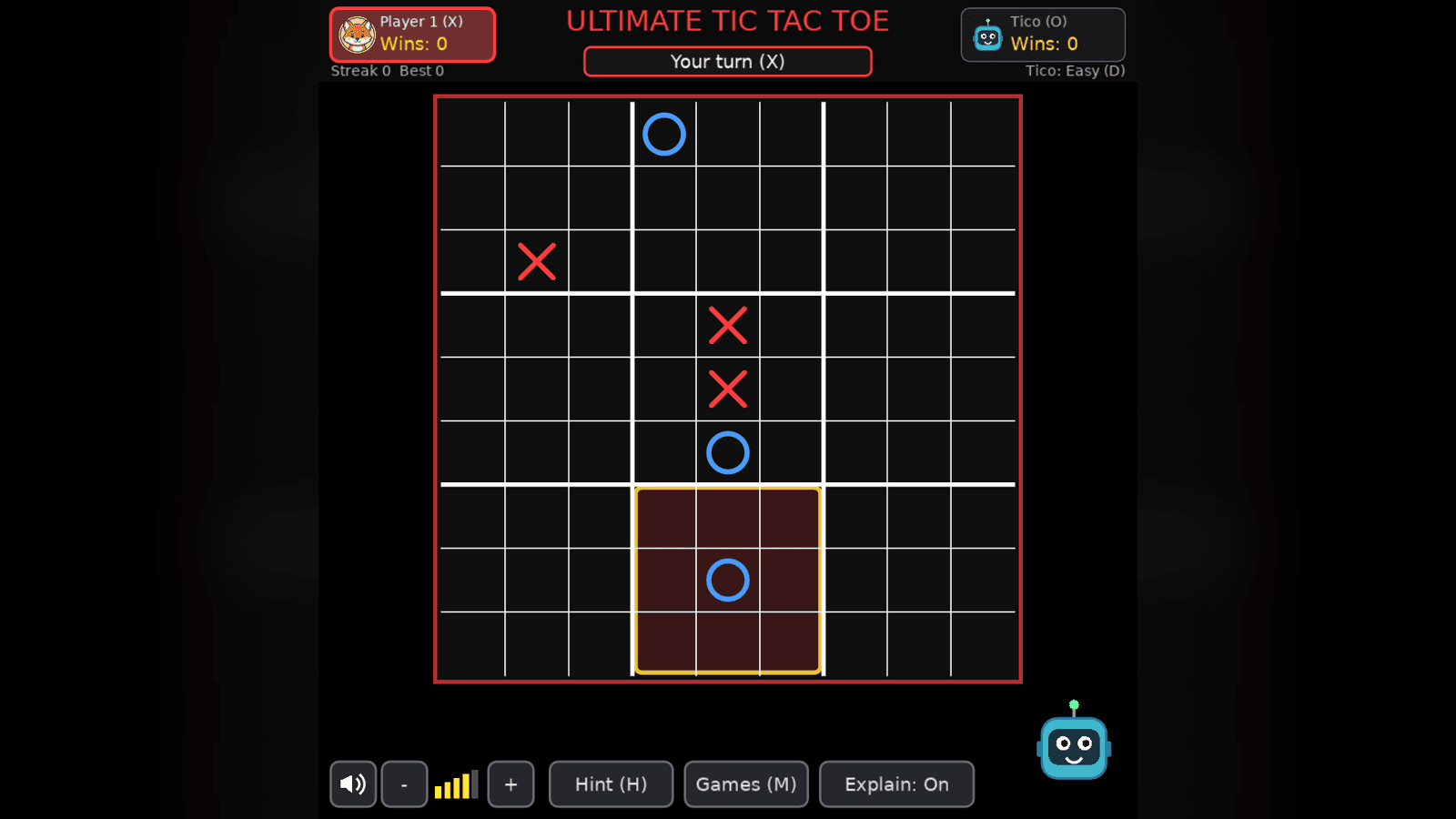
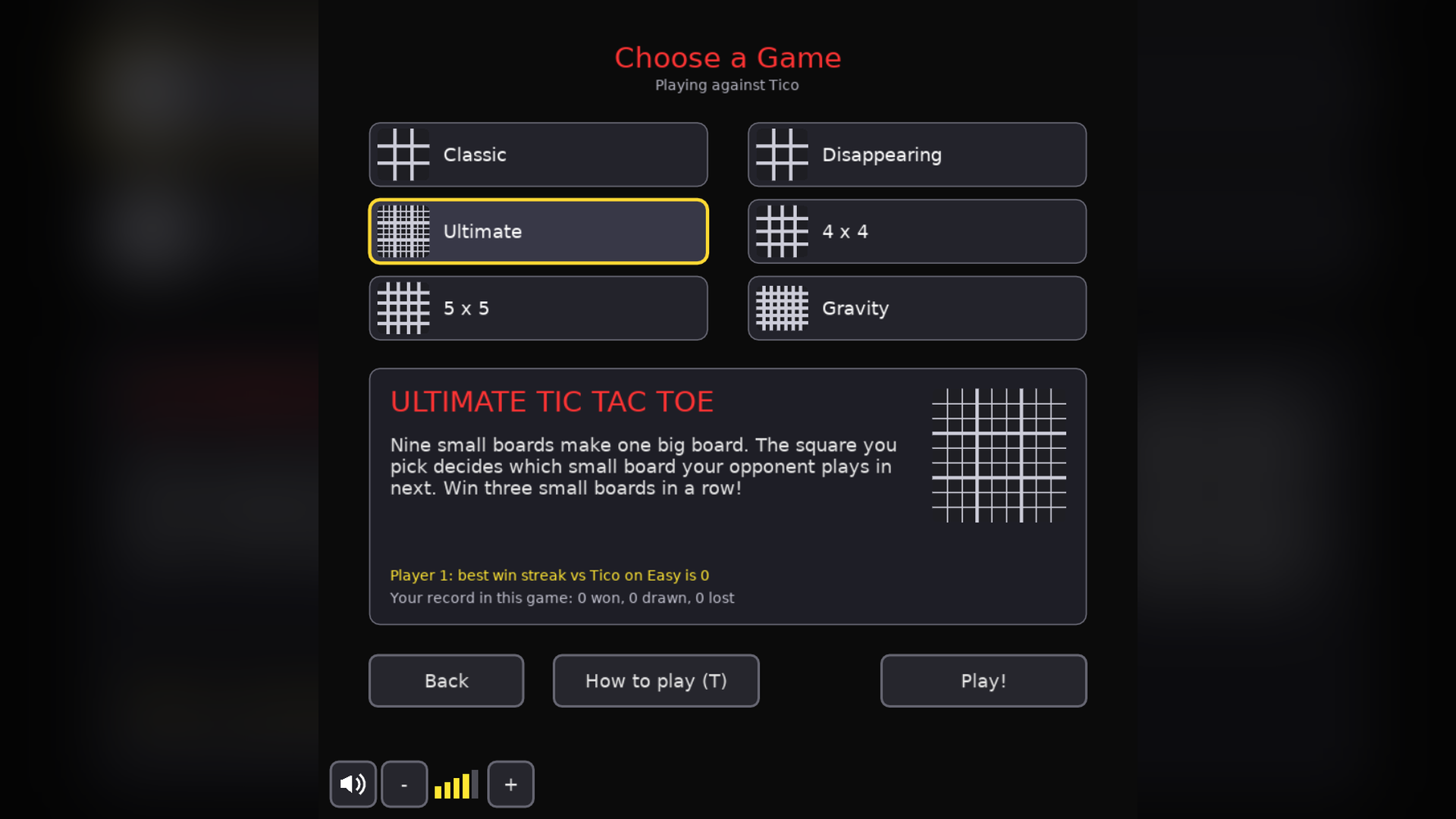
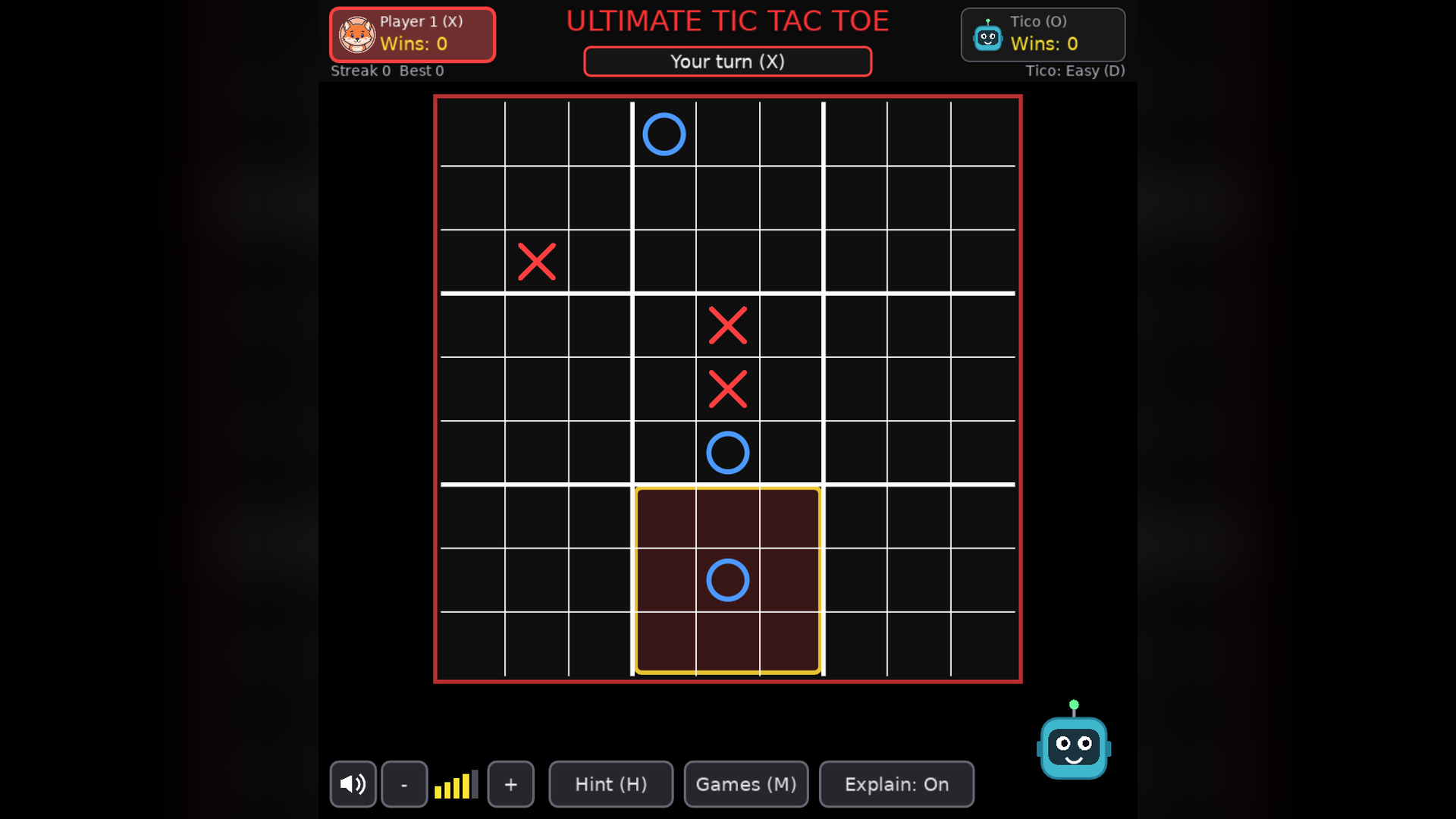
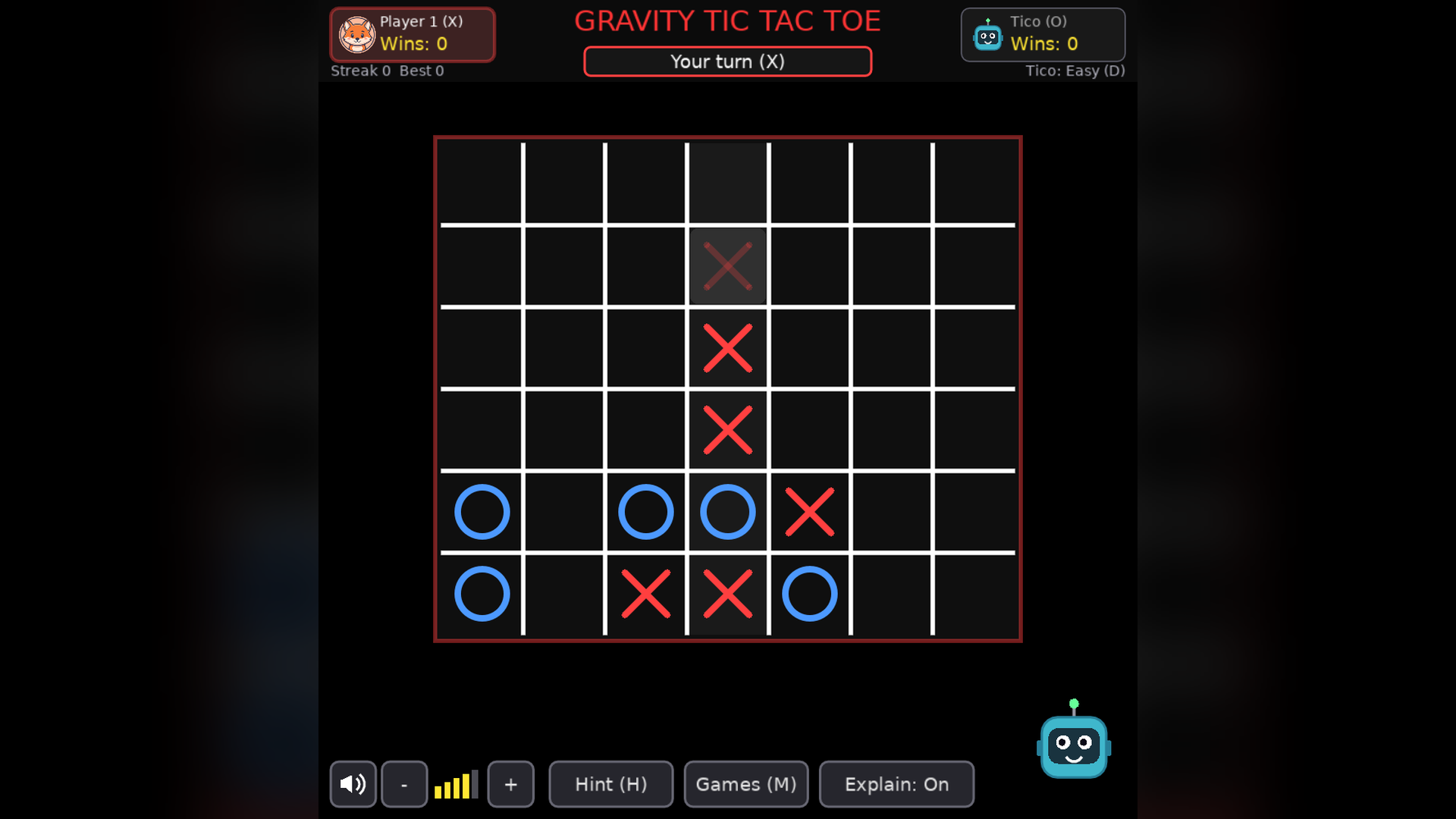
Beyond the classic 3x3 board there are five more games: Disappearing (only your last three pieces stay), Ultimate (nine small boards, with a short tutorial), 4 x 4, 5 x 5 and Gravity, where pieces drop like Connect Four.
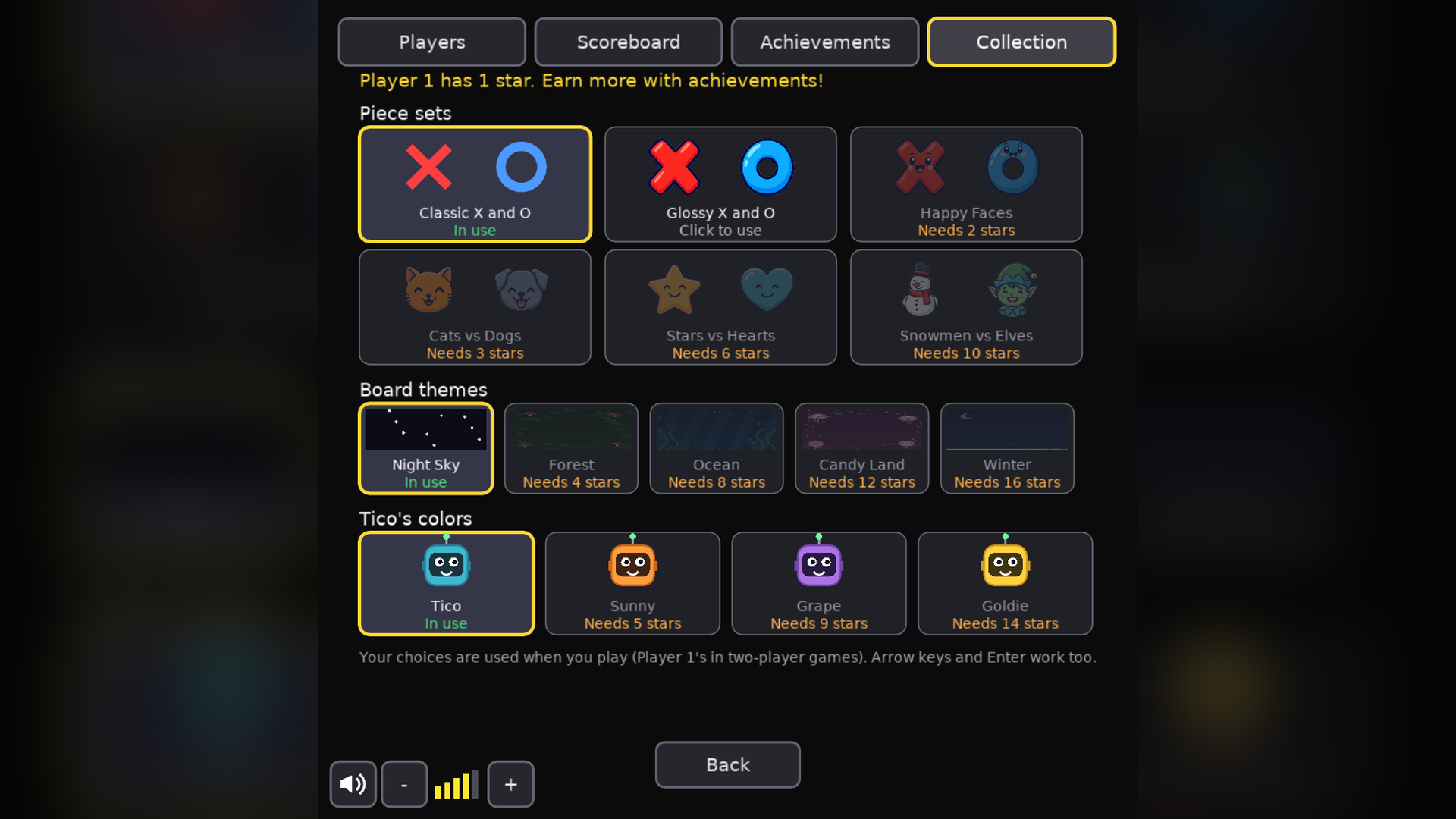
Everyone in the family can have a profile with its own record, win streaks, stars and unlocks, and there is a family scoreboard. Earn stars from achievements to unlock new piece sets, board themes and colors for Tico.
Features
- Free to download: no purchase, serial number or account
- Four computer levels: Easy, Medium, Hard and Unbeatable
- Six games: Classic, Disappearing, Ultimate, 4 x 4, 5 x 5 and Gravity
- Local two-player mode on one screen
- Family profiles with records, win streaks, stars, unlocks and a family scoreboard
- Hints that explain why a square is a good move
- Accessibility options: colorblind-safe colors, three text sizes, reduced motion
- Keyboard, mouse and game controller support; runs fully offline
Screenshots
Platforms and downloads
| Platform | Version | File | Size | Download |
|---|---|---|---|---|
| Windows installer Windows 10 or 11, 64-bit | 1.0.0 | TicTacToe_Setup_v1.0.0.exe | 8.0 MB | Download SHA-256: 4B18A85C3F77161C86A1009F0ACFCD939FBAAA734BC38B6E9FD9A9EEBA685F72 |
| Linux AppImage 64-bit (x86_64), self-contained | 1.0.0 | TicTacToe-linux-v1.0.0.x86_64.AppImage | 8.0 MB | Download SHA-256: CEA9D6FE1B4ED05F87DA33E30C4A4CC2BADE0DDB3B0B3A6E5173CAD61F758FFF |
| macOS disk image Intel and Apple silicon; open it and drag the game to Applications | 1.0.0 | TicTacToe-macos-v1.0.0.dmg | 14.1 MB | Download SHA-256: 844DBE8230E9B2384E56260BB9E80E805447F4A0BB2B859B1A64F1B9003E867C |
| macOS app (zip) Same app as the disk image, as a zip | 1.0.0 | TicTacToe-macos-v1.0.0.zip | 13.3 MB | Download SHA-256: 4E2C854C0B9953F09B13EA3DAE04C332C7E0DE67768C8F1901802B416E6F9225 |
This game is free. No purchase, serial number or account is needed. Compare the SHA-256 checksum with your download to make sure it is the file we published.
How to install
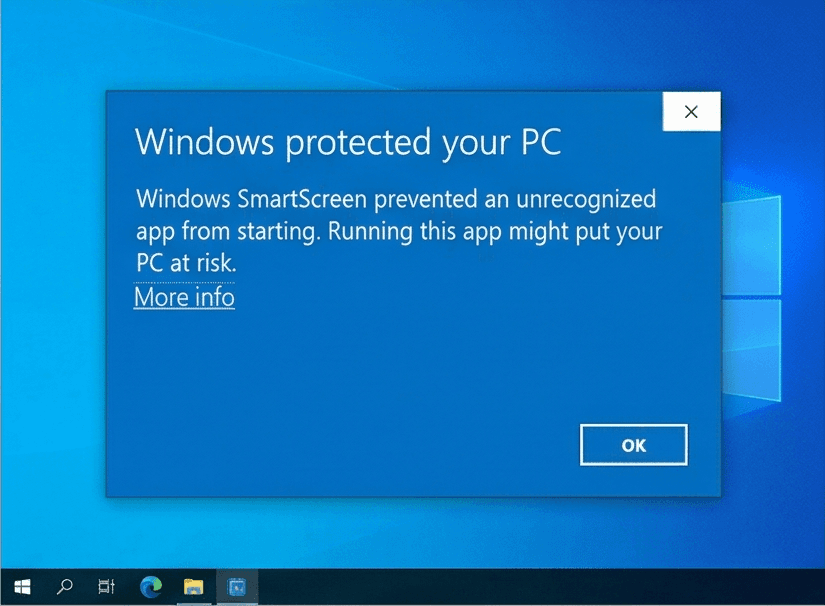
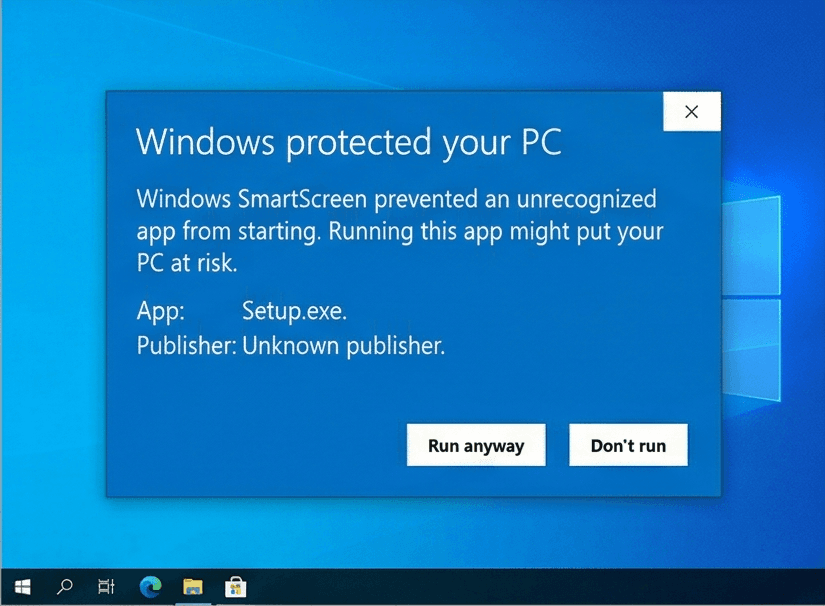
Our Windows installers are digitally signed by Rochaus Design, LLC. Windows SmartScreen can still show a warning for new software until it has built up a reputation. This is expected; here is how to continue. The macOS builds are not yet notarized by Apple, so macOS asks you to approve them once. See the FAQ for more troubleshooting.
Windows
- Download
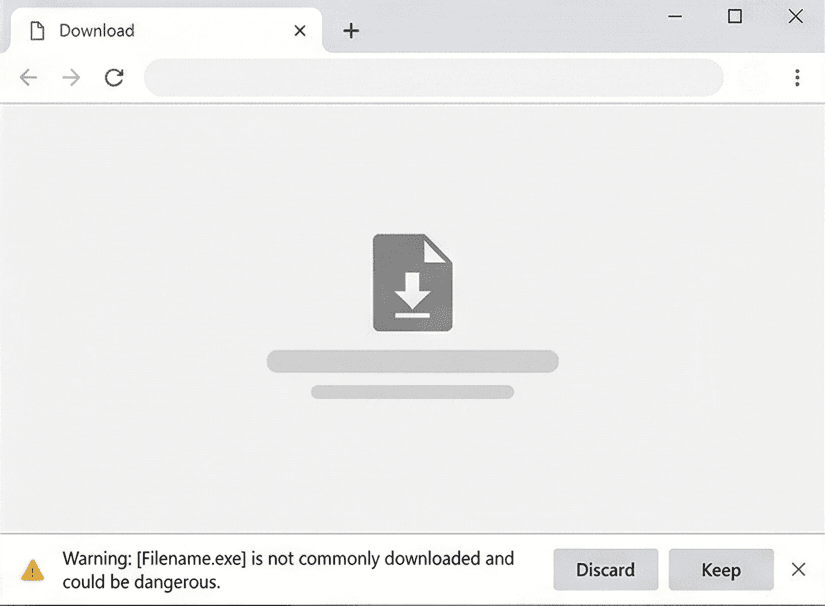
TicTacToe_Setup_v1.0.0.exeusing the Download button above. - If your browser blocks the file, open its download menu and choose Keep (then Keep anyway).
- Run the installer. If Windows SmartScreen says it "protected your PC", click More info, then Run anyway.
- Start the game. There is no serial number to enter: it is free.
Linux
- Download
TicTacToe-linux-v1.0.0.x86_64.AppImage. - Make it executable:
chmod +x TicTacToe-linux-v1.0.0.x86_64.AppImage, or tick Allow executing as a program in its file properties. - Run it. If your system lacks FUSE, start it from a terminal with
--appimage-extract-and-run. - Start the game. There is no serial number to enter: it is free.
macOS
- Download
TicTacToe-macos-v1.0.0.dmg(or the.zip, which holds the same app) using the Download button above. - Open the disk image and drag Tic Tac Toe onto Applications. For the zip, double-click it and move the app to Applications.
- Open the game from Applications. macOS says it cannot verify the developer: click Done (or OK).
- Open System Settings > Privacy & Security, scroll down and click Open Anyway, then confirm. You only do this once per game. On macOS 14 or earlier you can instead Control-click the app and choose Open.
- Start the game. There is no serial number to enter: it is free.
System requirements
- OS
- Windows 10 or 11 (64-bit)macOS 10.15 or later (Intel or Apple silicon)Linux, 64-bit (x86_64) desktop distribution
- Memory
- 512 MB RAM
- Storage
- 50 MB free space
- Graphics
- Any graphics card or integrated GPU with OpenGL 2.1 support
- Input
- Mouse or trackpad and keyboard
Controls
Mouse
- Click a cell
- Place your mark
- Click after a round
- Start a new round
Keyboard
- Arrow keys, Enter or Space
- Move the cursor and place a mark
- 1 to 9
- Place a mark on that square
- H / E
- Hint / turn hint explanations on or off
- D
- Change Tico's difficulty
- R
- New round
- M or Esc
- Back one screen (Esc on the menu quits)
- F11
- Fullscreen
- S
- Mute or unmute
License
Tic Tac Toe is free, and is licensed, not sold. Read the End-User License Agreement before you download. Third-party credits ship with the game in THIRD_PARTY_NOTICES.txt. See also our Terms of Service and Privacy Policy.
Release notes
See what changed in every version of Tic Tac Toe: release notes.