
SuDo9
Classic Sudoku with a polished, colorful, tactile look.
$4.99Downloads and purchases are not open yet. Check back soon.
About SuDo9
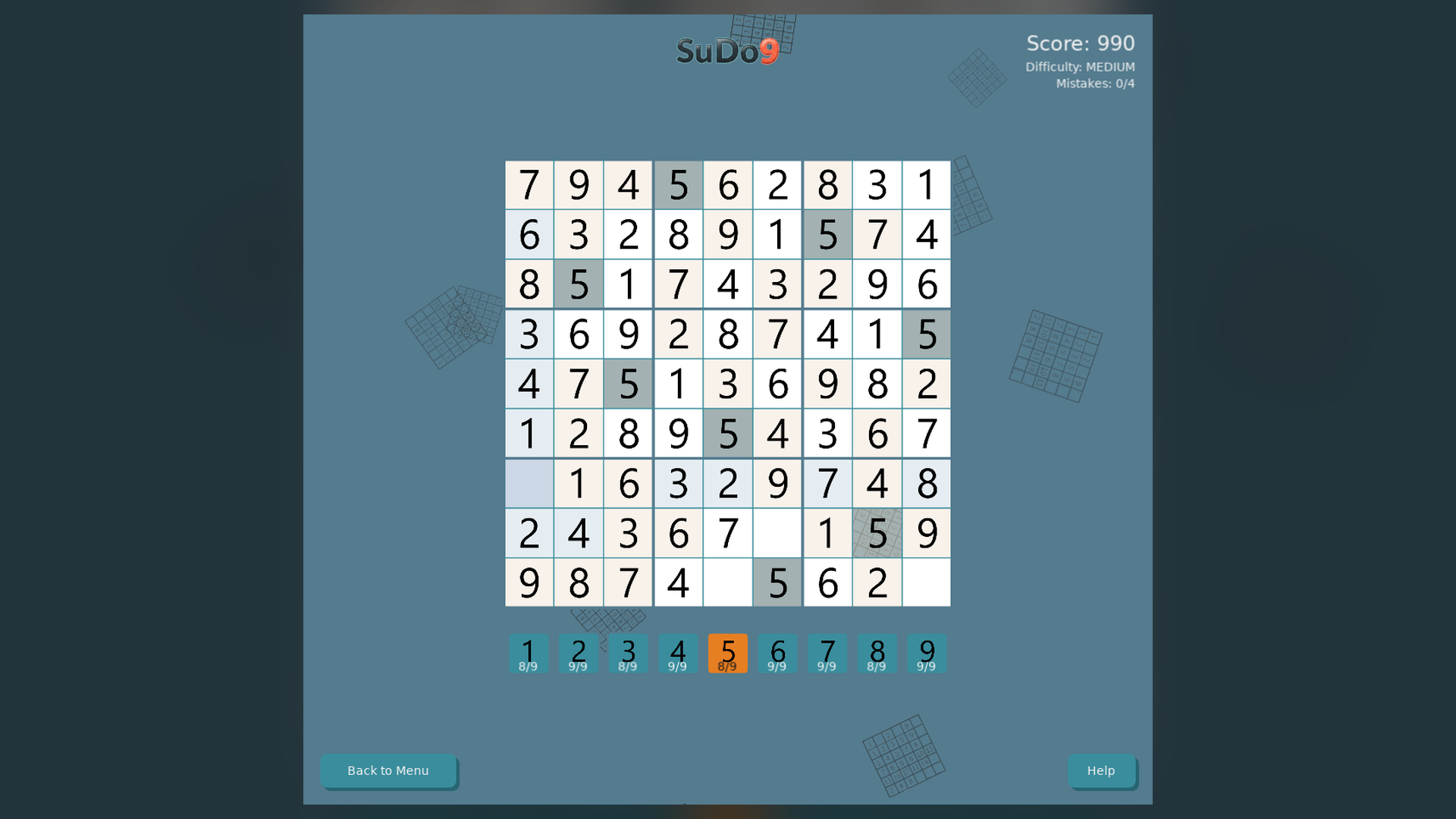
SuDo9 is the classic 9x9 number puzzle: fill the grid so that every row, column and 3x3 box contains the digits 1 to 9 exactly once. Puzzles come at Easy, Medium and Hard, each with a single solution.
Correct entries flash green and mistakes flash red and clear themselves. Stuck? Use a minor hint to see the candidates for a cell, or a major reveal to fill one in. Confetti celebrates each completed number, and the high scores screen keeps your best performances across difficulties.
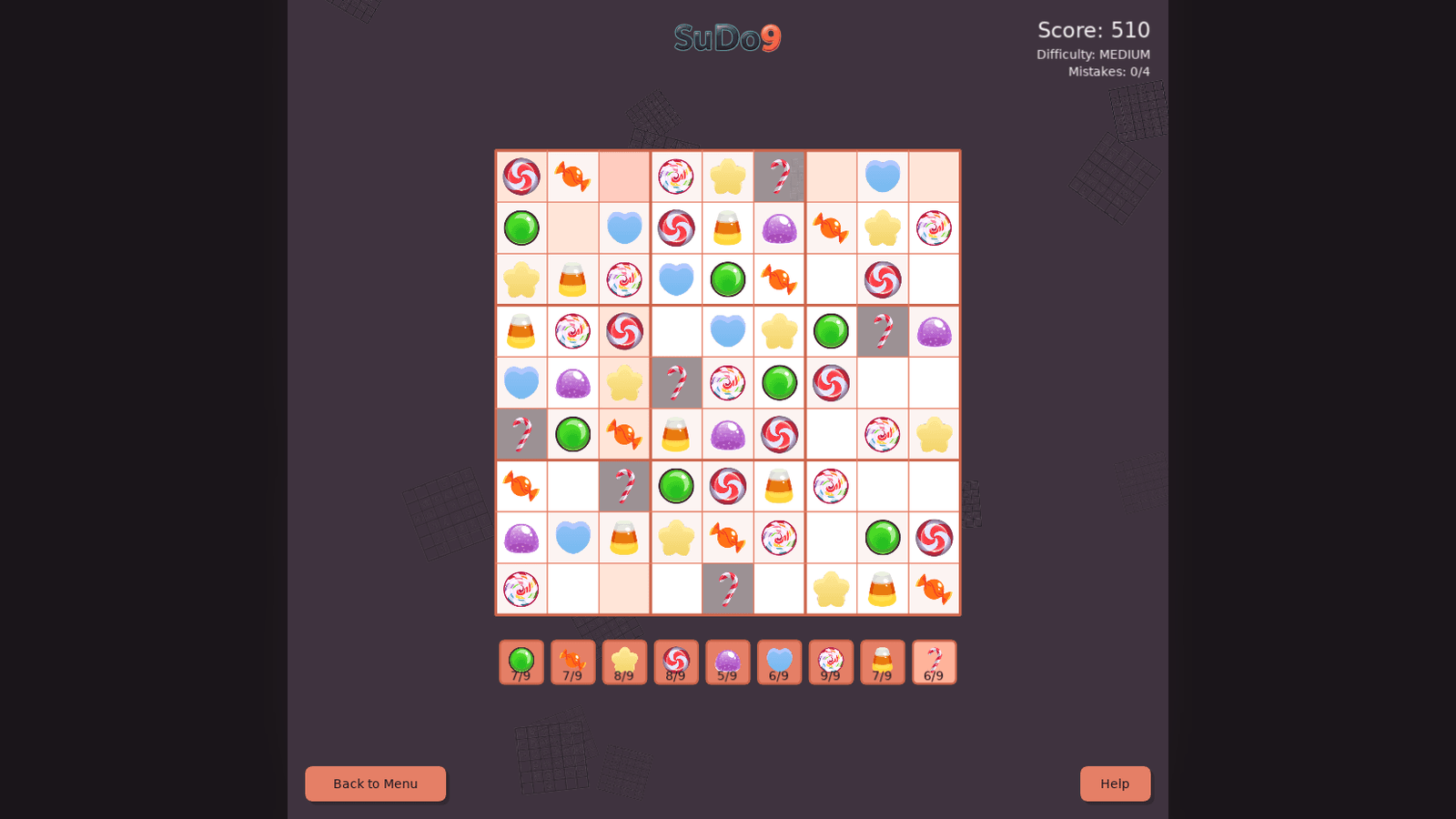
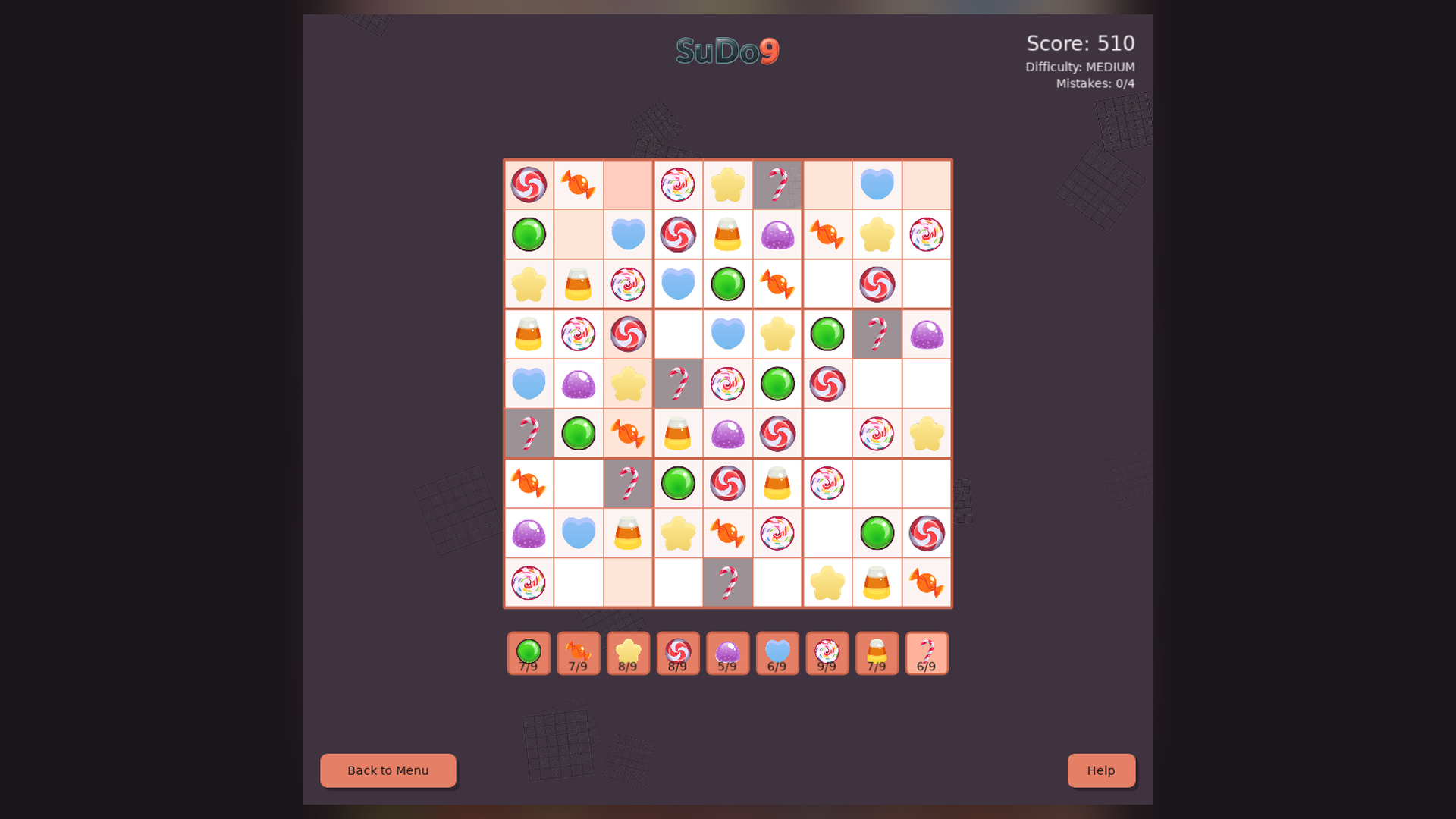
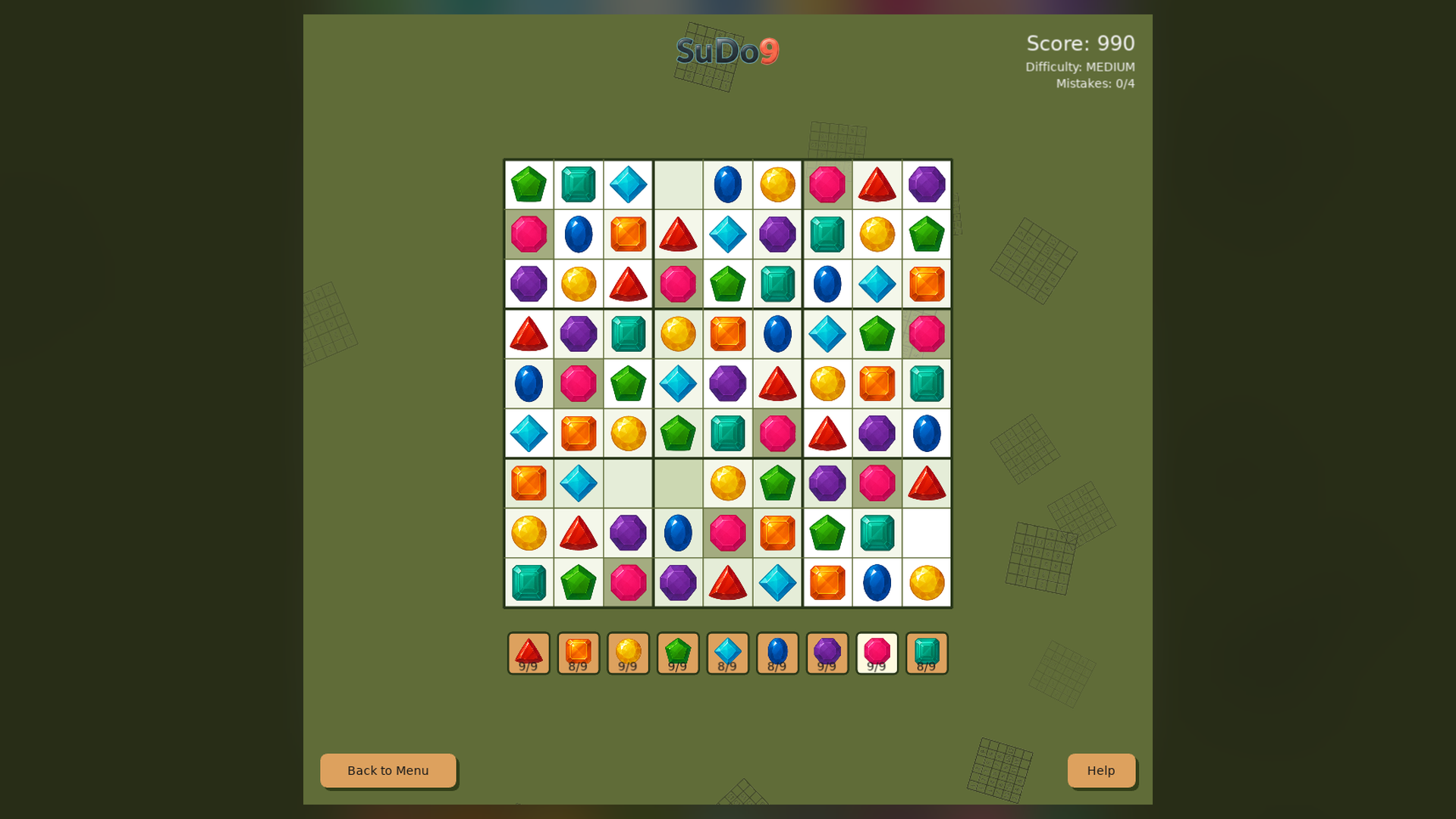
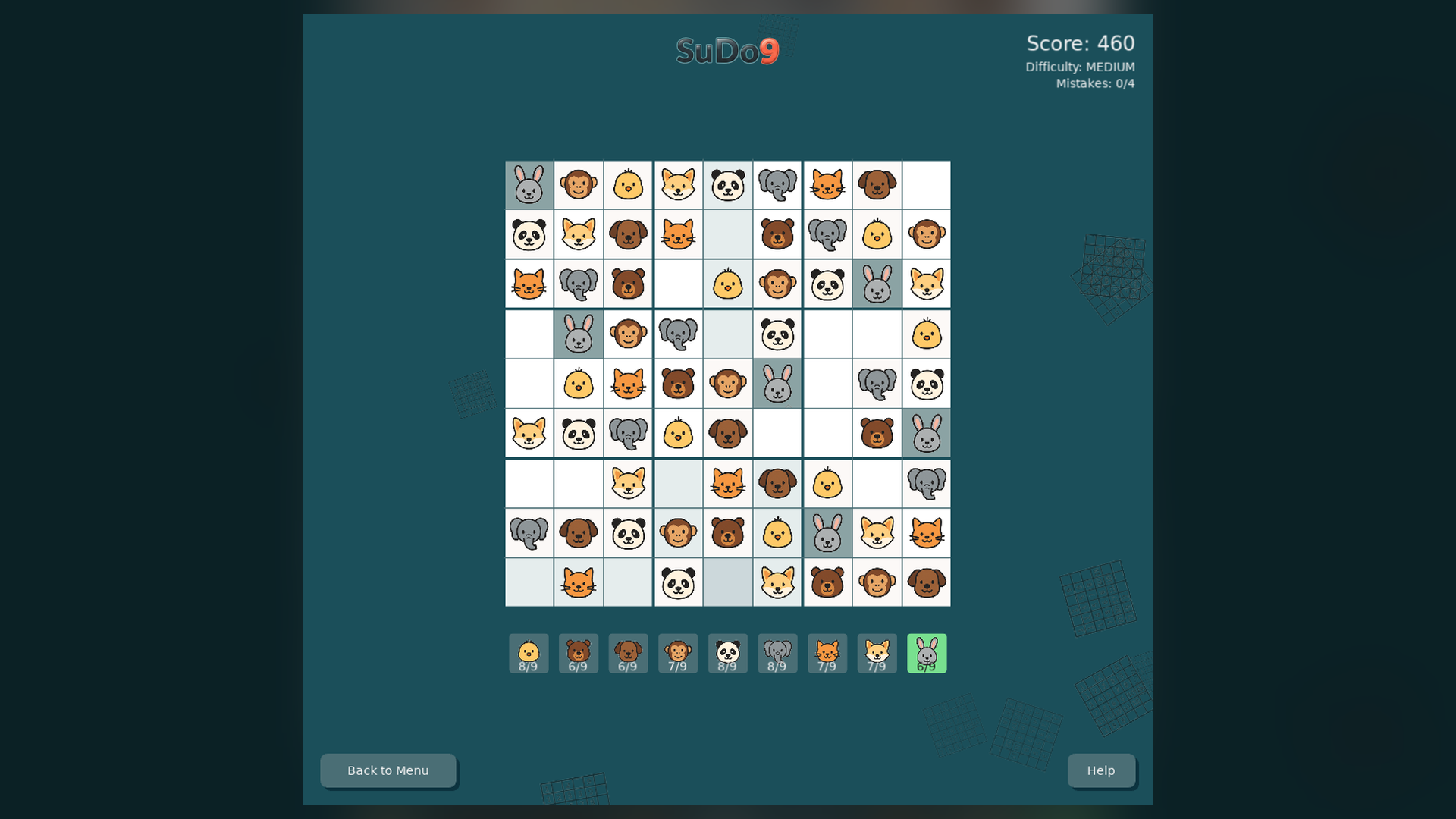
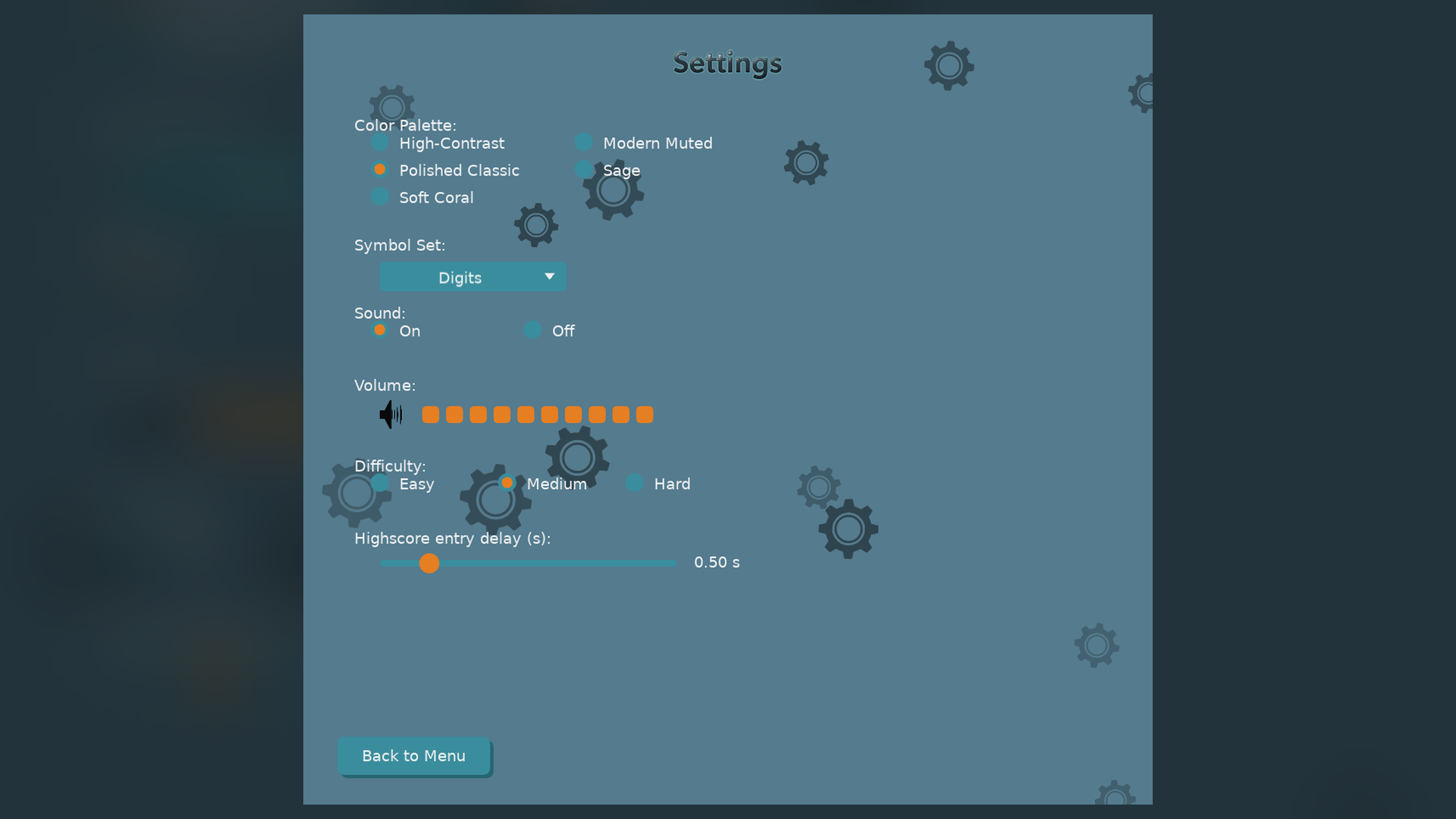
Choose from several color palettes and a Numbers or Pets graphic theme, and play with the keyboard, the mouse or touch.
Features
- Three difficulty levels: Easy, Medium and Hard
- Minor hints (candidates) and major reveals, with undo
- Numbers and Pets graphic themes
- Five color palettes with automatic text contrast, including a high-contrast palette
- High scores across difficulties
- Keyboard and mouse / touch play
- Springy buttons, animated menus and confetti celebrations
- Adjustable sound and volume
Screenshots
Platforms and downloads
| Platform | Version | File | Size |
|---|---|---|---|
| Windows installer Windows 10 or 11, 64-bit | 1.0.0 | SuDo9_Setup_v1.0.0.exe | 7.5 MB |
| Linux AppImage 64-bit (x86_64), self-contained | 1.0.0 | SuDo9-linux-v1.0.0.x86_64.AppImage | 7.4 MB |
| macOS disk image Intel and Apple silicon; open it and drag the game to Applications | 1.0.0 | SuDo9-macos-v1.0.0.dmg | 12.8 MB |
| macOS app (zip) Same app as the disk image, as a zip | 1.0.0 | SuDo9-macos-v1.0.0.zip | 11.9 MB |
Downloads are coming soon.
How to install
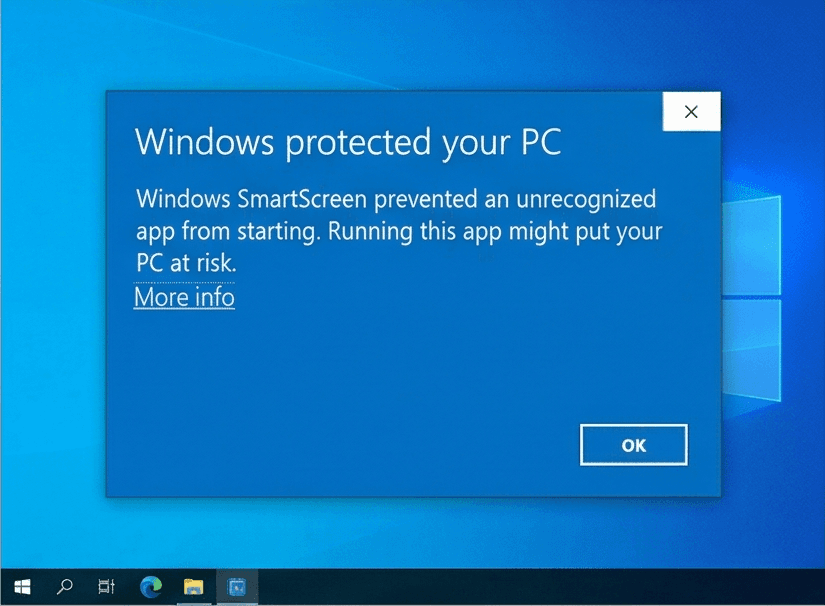
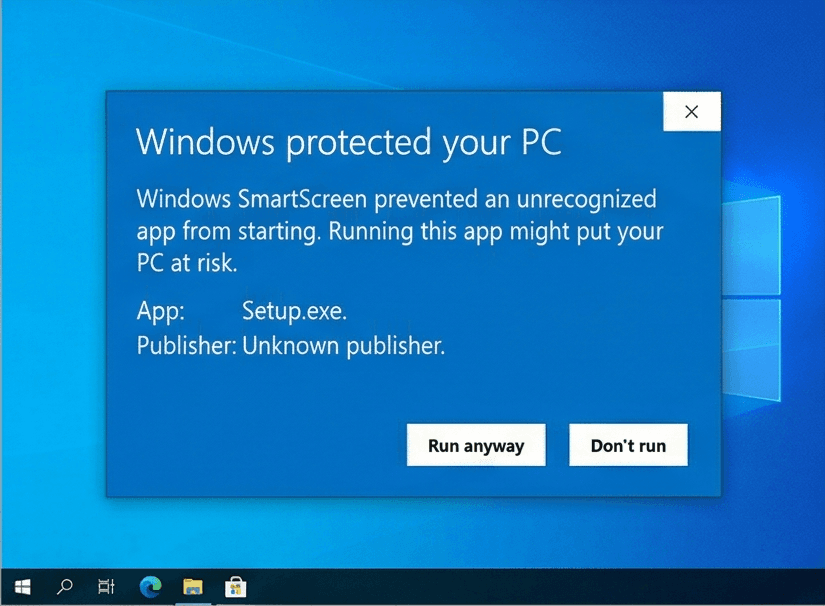
Our Windows installers are digitally signed by Rochaus Design, LLC. Windows SmartScreen can still show a warning for new software until it has built up a reputation. This is expected; here is how to continue. The macOS builds are not yet notarized by Apple, so macOS asks you to approve them once. See the FAQ for more troubleshooting.
Windows
- Download
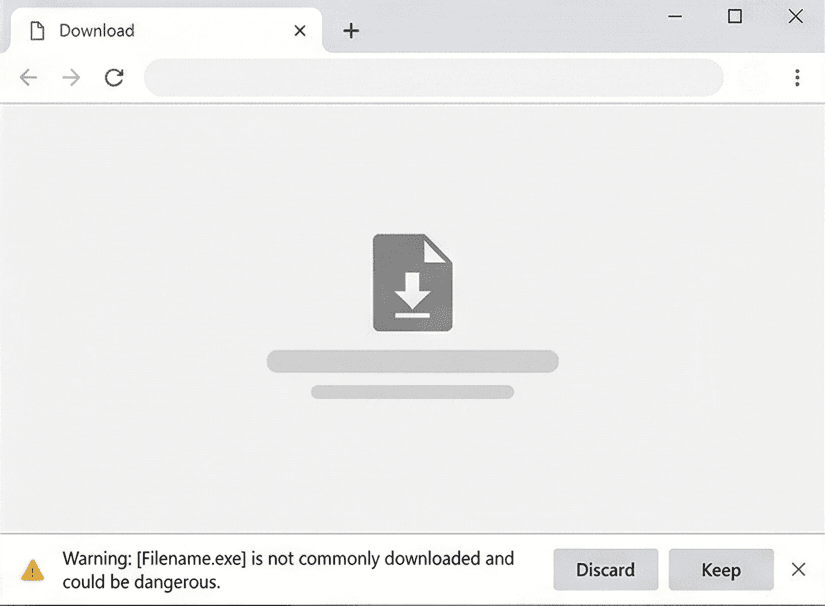
SuDo9_Setup_v1.0.0.exefrom your download page. - If your browser blocks the file, open its download menu and choose Keep (then Keep anyway).
- Run the installer. If Windows SmartScreen says it "protected your PC", click More info, then Run anyway.
- Start the game. In the Unlock window, click Paste serial (or press Ctrl+V) with the serial from your purchase email copied. The installer does not ask for it.
Linux
- Download
SuDo9-linux-v1.0.0.x86_64.AppImage. - Make it executable:
chmod +x SuDo9-linux-v1.0.0.x86_64.AppImage, or tick Allow executing as a program in its file properties. - Run it. If your system lacks FUSE, start it from a terminal with
--appimage-extract-and-run. - In the Unlock window, click Paste serial (or press Ctrl+V) with the serial from your purchase email copied.
macOS
- Download
SuDo9-macos-v1.0.0.dmg(or the.zip, which holds the same app) from your download page. - Open the disk image and drag SuDo9 onto Applications. For the zip, double-click it and move the app to Applications.
- Open the game from Applications. macOS says it cannot verify the developer: click Done (or OK).
- Open System Settings > Privacy & Security, scroll down and click Open Anyway, then confirm. You only do this once per game. On macOS 14 or earlier you can instead Control-click the app and choose Open.
- In the Unlock window, click Paste serial (or press Ctrl+V; the Cmd+V shortcut does not work there) with the serial from your purchase email copied.
System requirements
- OS
- Windows 10 or 11 (64-bit)macOS 10.15 or later (Intel or Apple silicon)Linux, 64-bit (x86_64) desktop distribution
- Memory
- 512 MB RAM
- Storage
- 50 MB free space
- Graphics
- Any graphics card or integrated GPU with OpenGL 2.1 support
- Input
- Mouse or trackpad and keyboard
Controls
Mouse
- Click a cell
- Select it
- Click a number button
- Place a number
Keyboard
- Arrow keys
- Move around the grid
- 1 to 9
- Place a number
- Backspace / Delete
- Clear the cell
- U
- Undo the last move or hint
- H
- Minor hint (show candidates)
- R
- Major reveal for the selected cell
- Esc
- Return to the menu
License
SuDo9 is licensed, not sold. Read the End-User License Agreement before you buy. Third-party credits ship with the game in THIRD_PARTY_NOTICES.txt. See also our Terms of Service and Privacy Policy.
Release notes
See what changed in every version of SuDo9: release notes.