

Greedy Goblin
Climb the crypts, steal the gold, and escape before the depths claim you.
FREEFree downloadFree: no purchase, no serial number, no account and no ads. Choose your platform below and download.
About Greedy Goblin
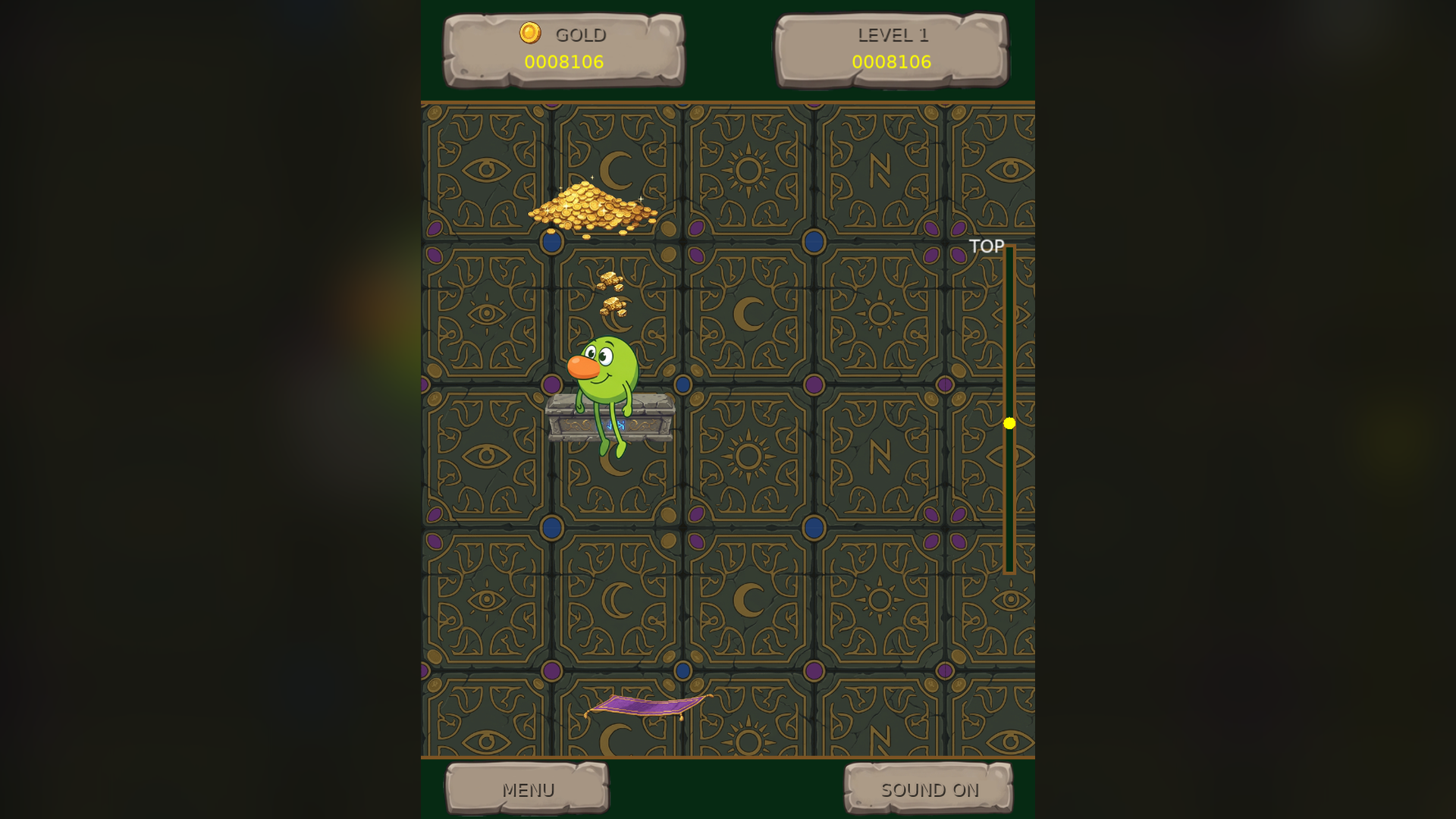
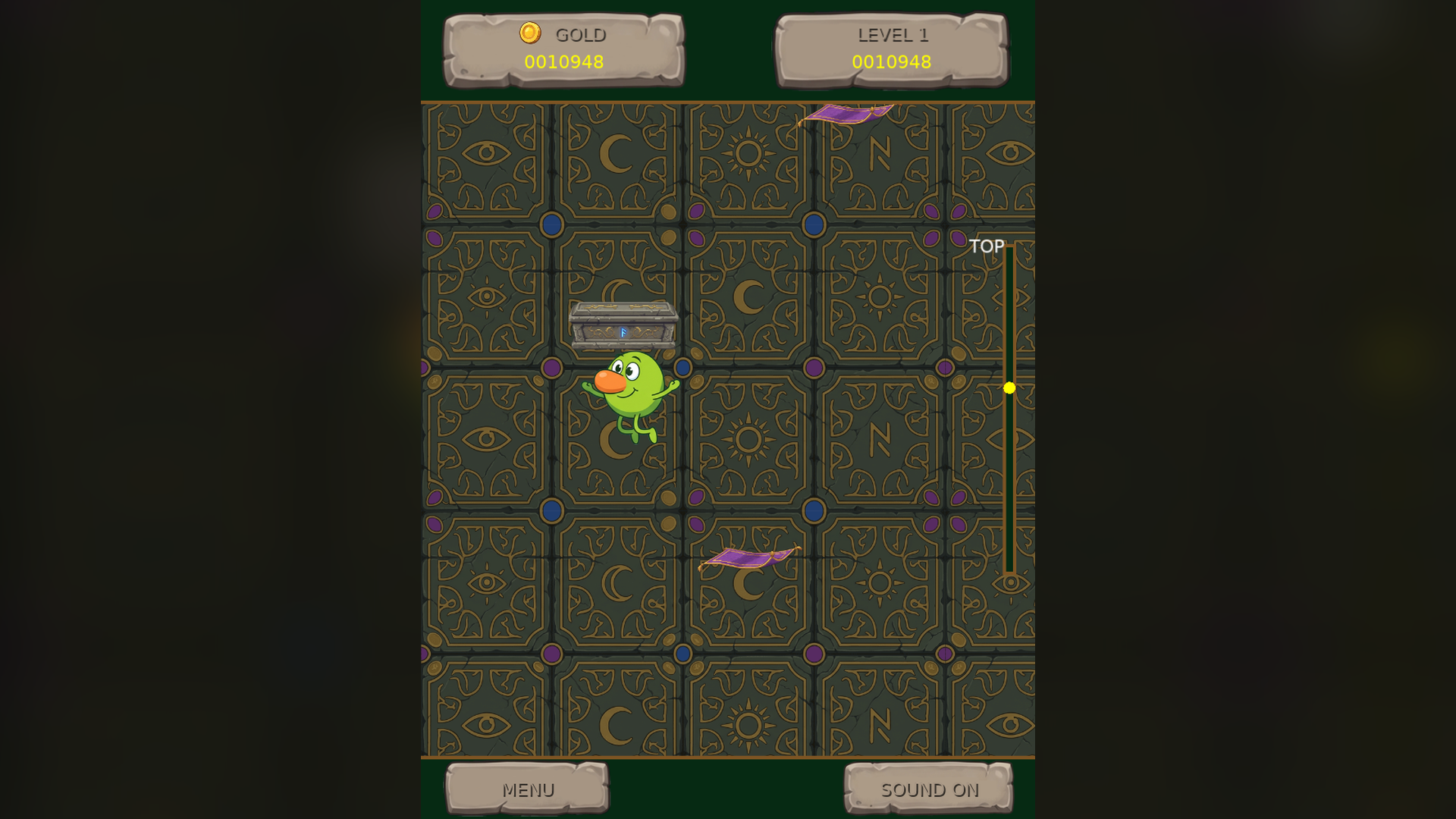
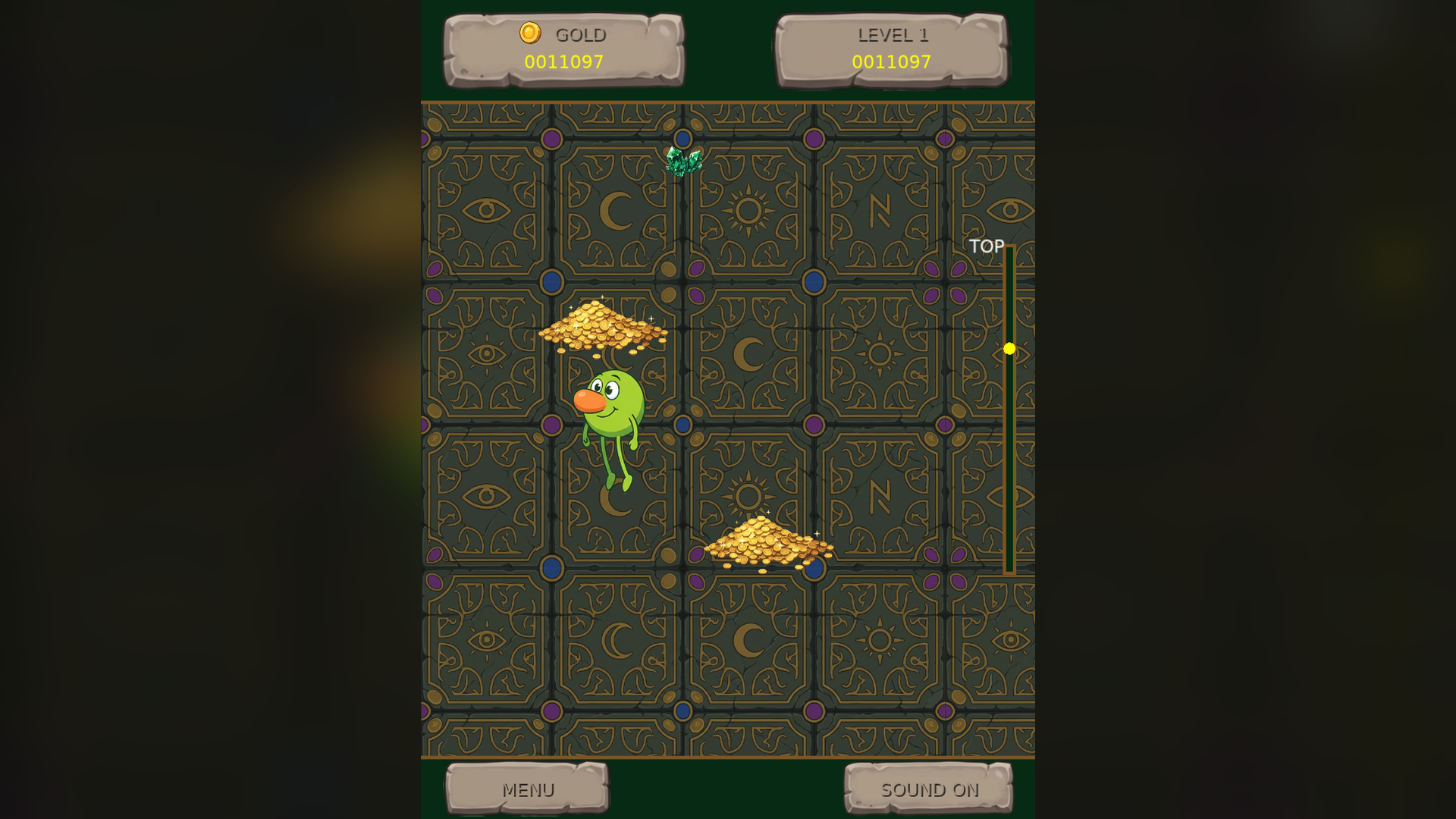
Greedy Goblin is a high-stakes vertical arcade jumper, and it is free: no purchase, no serial number and no account. Your goblin jumps automatically, so you steer: move left and right, wrap around the screen edges, and climb ever higher through the crypts.
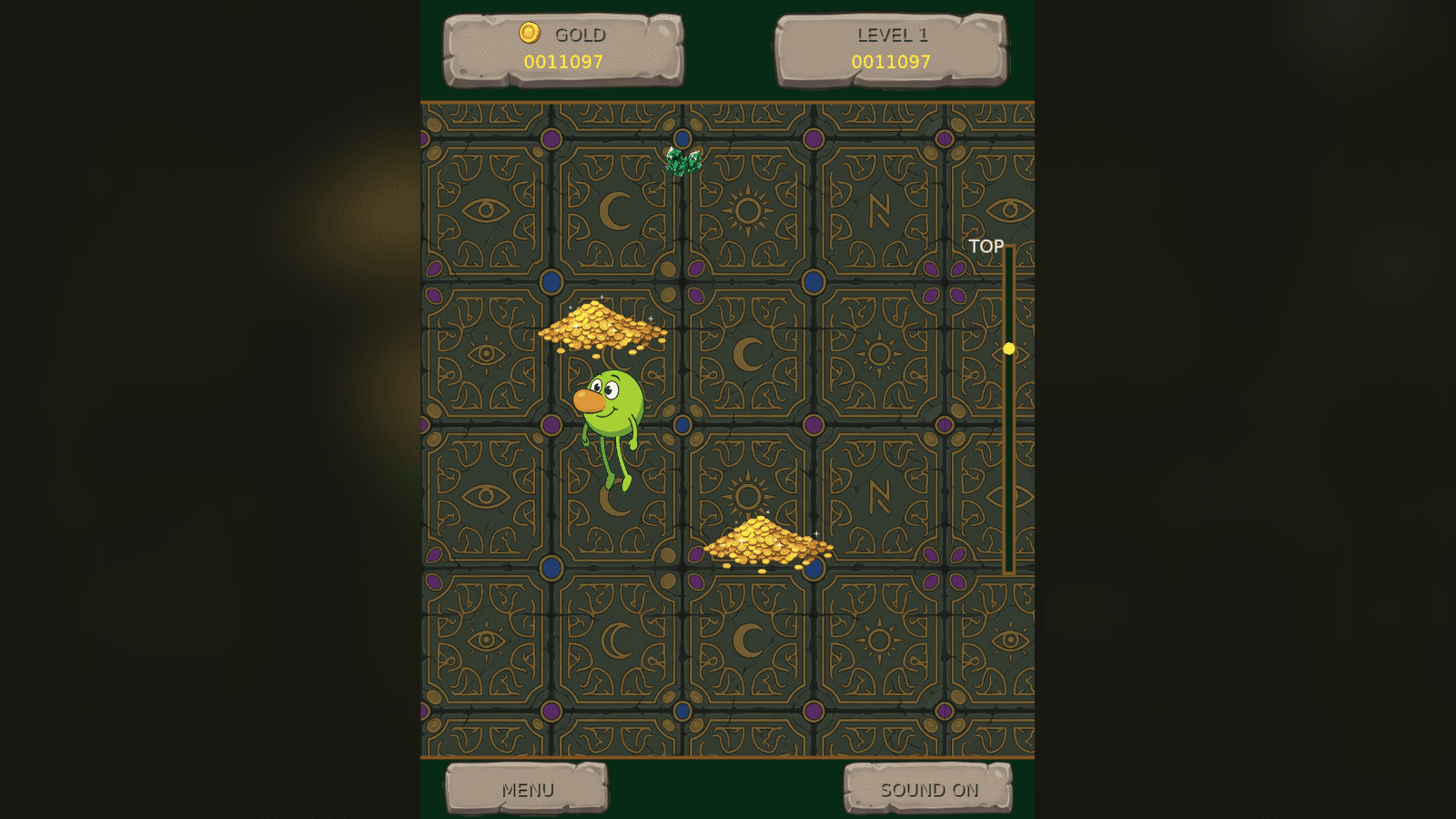
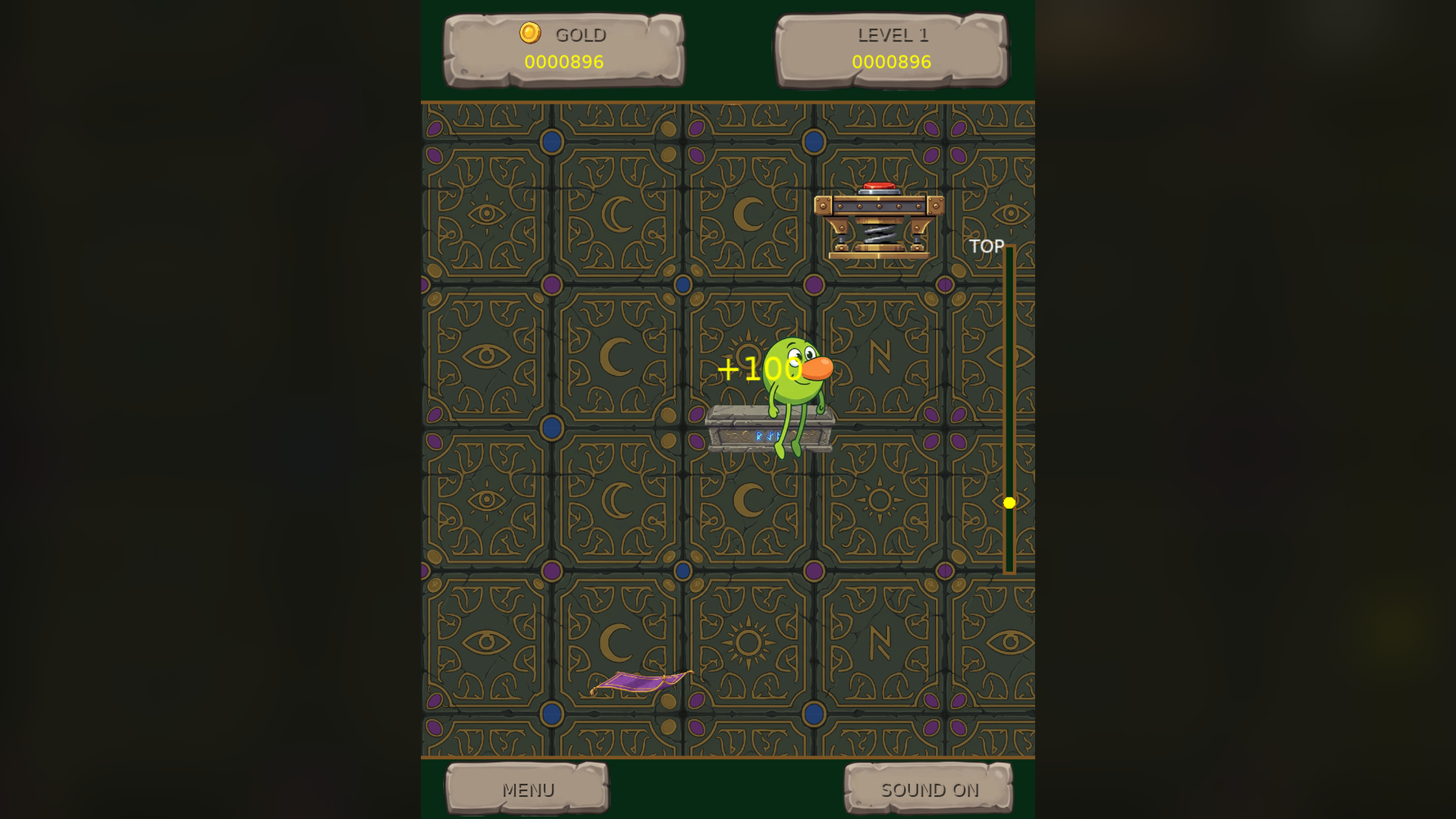
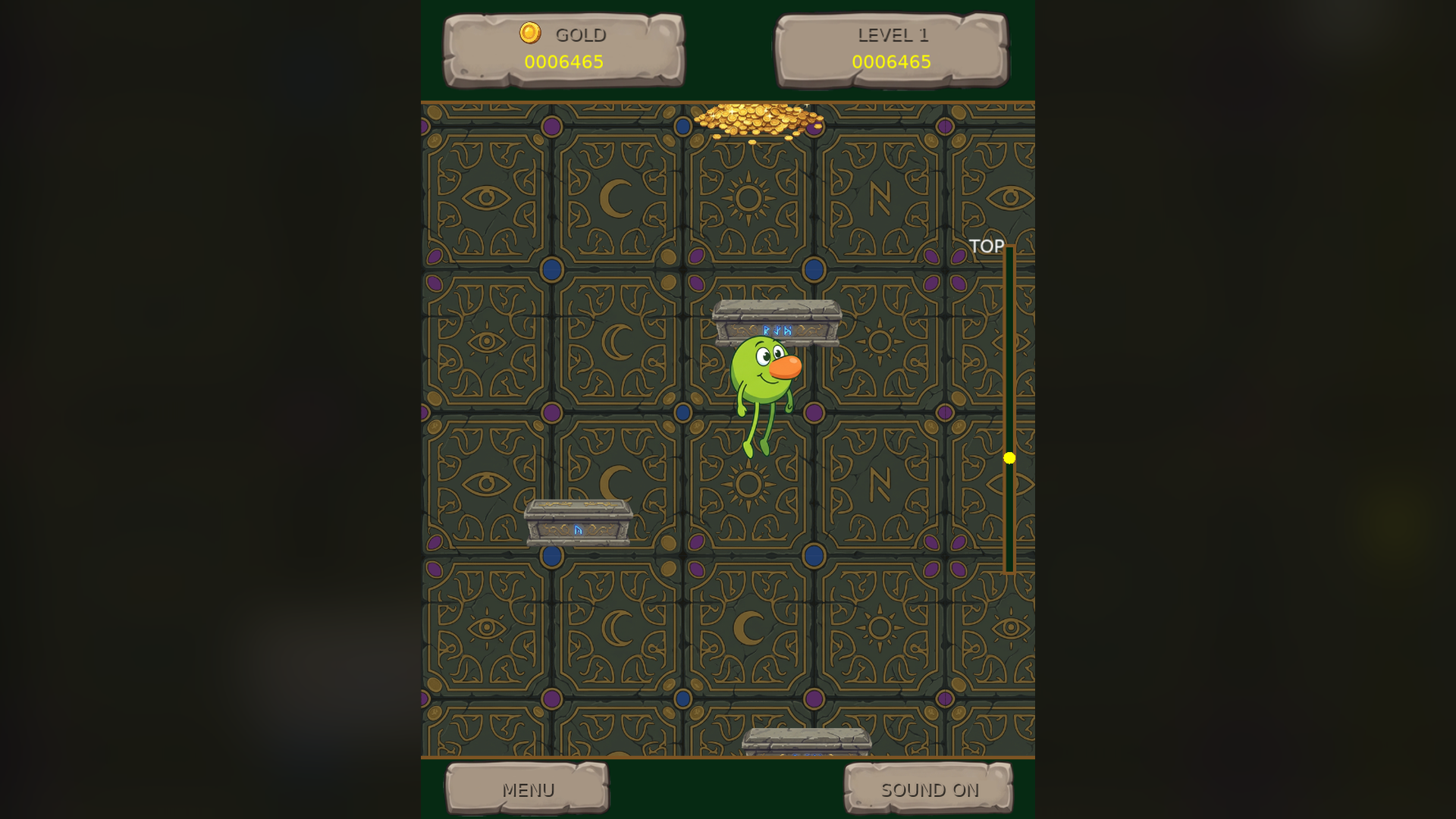
Every platform is a decision. Ornate crypt platforms hold steady, magic carpets slide from side to side, coin piles are worth a fortune but crumble when touched, and mechanical traps launch you skyward. Grab nuggets, emeralds, crowns and the legendary Golden Idol on the way up.
Unleash Frenzy Mode for a gold-collecting rush, and push through increasingly challenging heights to a goal-based victory.
Features
- Free to download: no purchase, serial number or account
- Auto-jumping with air control and screen wrapping
- Four platform types: ornate crypts, magic carpets, coin piles and mechanical traps
- Gold nuggets, raw emeralds, king's crowns and the legendary Golden Idol
- Frenzy Mode with its own visual shift
- Scales to the full height of your monitor
- A level system with a goal-based victory sequence
Screenshots
Platforms and downloads
| Platform | Version | File | Size | Download |
|---|---|---|---|---|
| Windows installer Windows 10 or 11, 64-bit | 1.0.0 | GreedyGoblin_Setup_v1.0.0.exe | 23.5 MB | Download SHA-256: 5854A3079F92C8E52665DEBC88987FF81C4952DEBCEBCD7670D4A1A305995173 |
| Linux AppImage 64-bit (x86_64), self-contained | 1.0.0 | GreedyGoblin-linux-v1.0.0.x86_64.AppImage | 23.3 MB | Download SHA-256: 8015D1D99635B16DD81BB37F9B69B6E2B5385AD14A0B3DA23FF1A92F32461EA1 |
| macOS disk image Intel and Apple silicon; open it and drag the game to Applications | 1.0.0 | GreedyGoblin-macos-v1.0.0.dmg | 30.8 MB | Download SHA-256: EDB04E363204F6C8DFE30F058EB18824C01CD509F876A3FBA4E9ADFC1B3E340C |
| macOS app (zip) Same app as the disk image, as a zip | 1.0.0 | GreedyGoblin-macos-v1.0.0.zip | 28.6 MB | Download SHA-256: 6465107862A150D08100D284DC25D6B4AF181792F9DB942002C56302E6D8CC14 |
This game is free. No purchase, serial number or account is needed. Compare the SHA-256 checksum with your download to make sure it is the file we published.
How to install
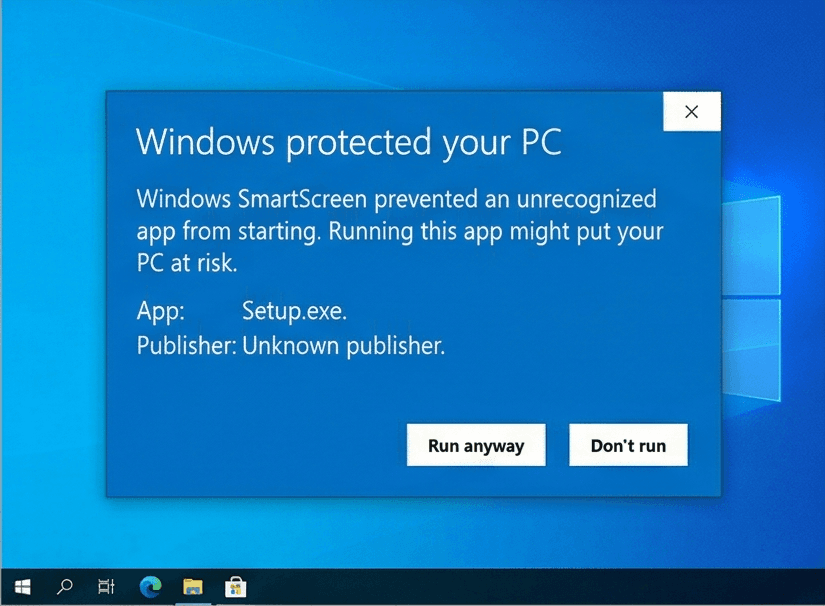
Our Windows installers are digitally signed by Rochaus Design, LLC. Windows SmartScreen can still show a warning for new software until it has built up a reputation. This is expected; here is how to continue. The macOS builds are not yet notarized by Apple, so macOS asks you to approve them once. See the FAQ for more troubleshooting.
Windows
- Download
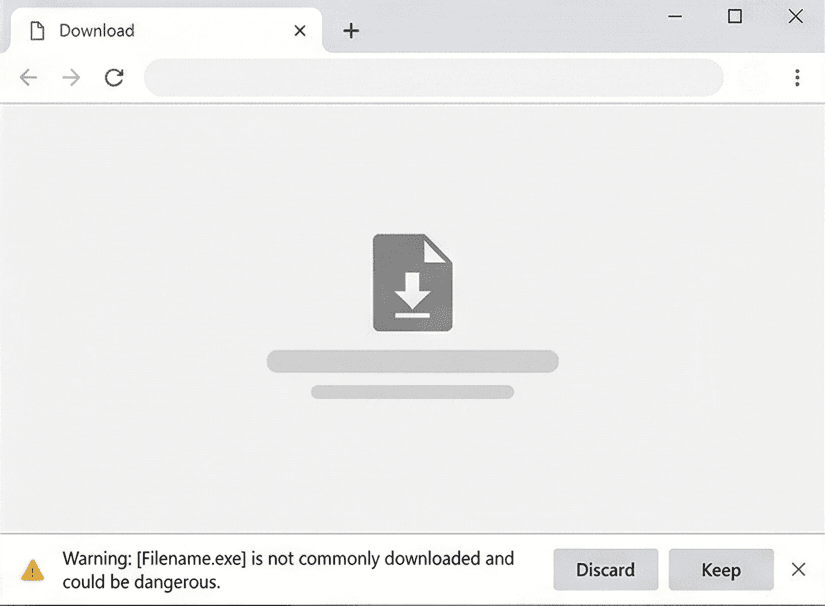
GreedyGoblin_Setup_v1.0.0.exeusing the Download button above. - If your browser blocks the file, open its download menu and choose Keep (then Keep anyway).
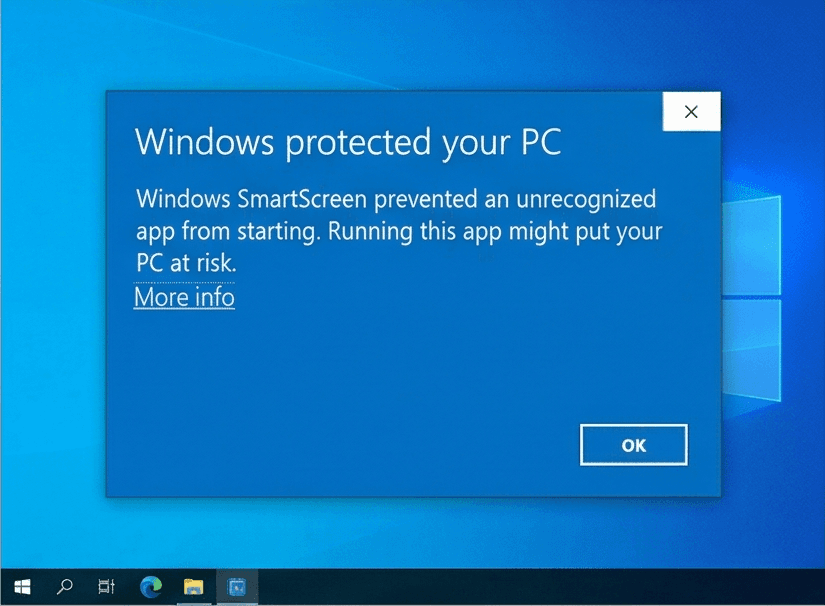
- Run the installer. If Windows SmartScreen says it "protected your PC", click More info, then Run anyway.
- Start the game. There is no serial number to enter: it is free.
Linux
- Download
GreedyGoblin-linux-v1.0.0.x86_64.AppImage. - Make it executable:
chmod +x GreedyGoblin-linux-v1.0.0.x86_64.AppImage, or tick Allow executing as a program in its file properties. - Run it. If your system lacks FUSE, start it from a terminal with
--appimage-extract-and-run. - Start the game. There is no serial number to enter: it is free.
macOS
- Download
GreedyGoblin-macos-v1.0.0.dmg(or the.zip, which holds the same app) using the Download button above. - Open the disk image and drag Greedy Goblin onto Applications. For the zip, double-click it and move the app to Applications.
- Open the game from Applications. macOS says it cannot verify the developer: click Done (or OK).
- Open System Settings > Privacy & Security, scroll down and click Open Anyway, then confirm. You only do this once per game. On macOS 14 or earlier you can instead Control-click the app and choose Open.
- Start the game. There is no serial number to enter: it is free.
System requirements
- OS
- Windows 10 or 11 (64-bit)macOS 10.15 or later (Intel or Apple silicon)Linux, 64-bit (x86_64) desktop distribution
- Memory
- 1 GB RAM
- Storage
- 100 MB free space
- Graphics
- Any graphics card or integrated GPU with OpenGL 2.1 support
- Input
- Mouse or trackpad and keyboard
Controls
Mouse
- Click
- Choose menu items
Keyboard
- A / D or Left / Right
- Move horizontally
- Esc
- Return to the menu
License
Greedy Goblin is free, and is licensed, not sold. Read the End-User License Agreement before you download. Third-party credits ship with the game in THIRD_PARTY_NOTICES.txt. See also our Terms of Service and Privacy Policy.
Release notes
See what changed in every version of Greedy Goblin: release notes.