

Across Town on Down Street
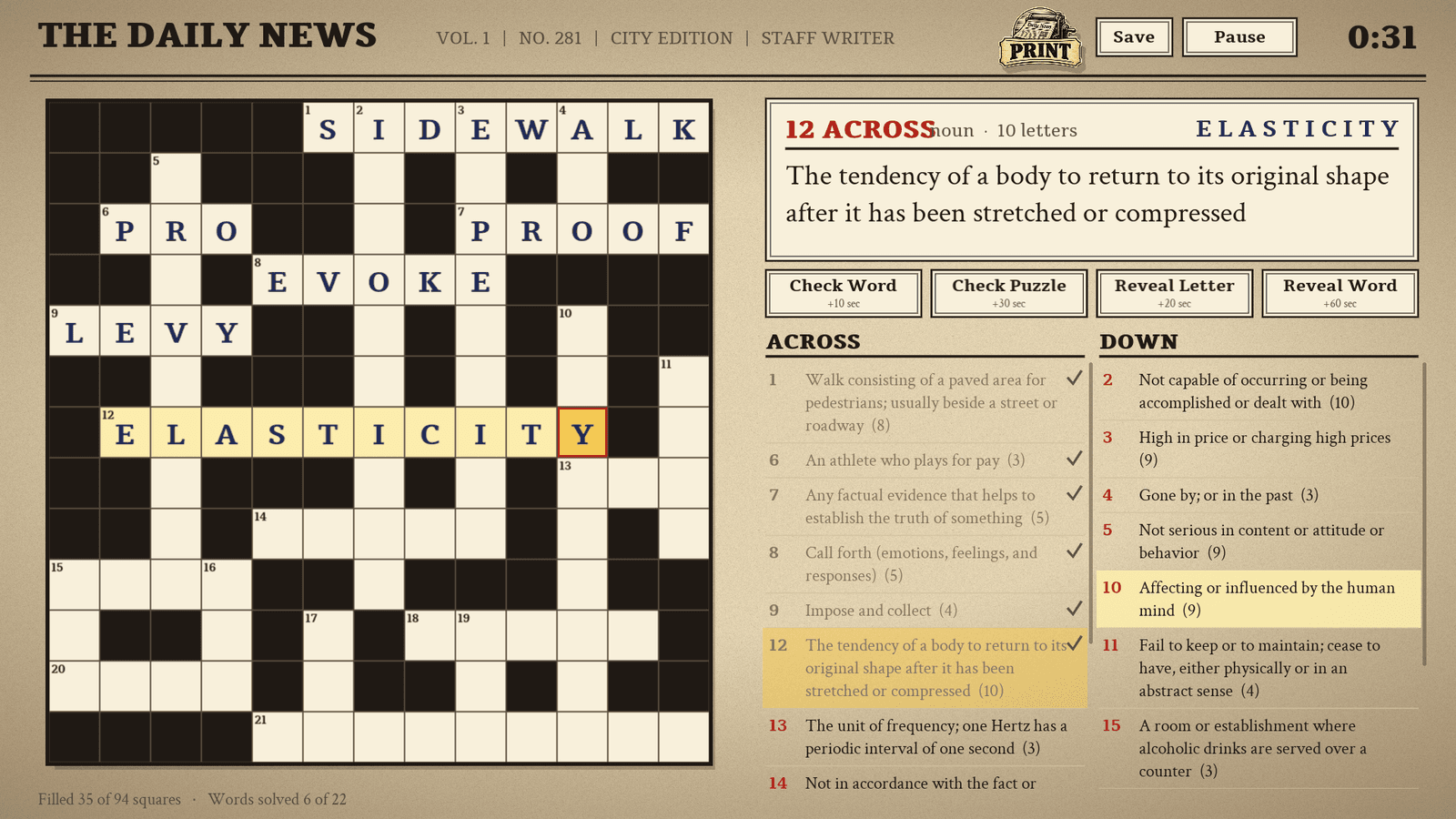
A newspaper-style crossword with full, readable dictionary definitions as clues.
$7.99Downloads and purchases are not open yet. Check back soon.
About Across Town on Down Street
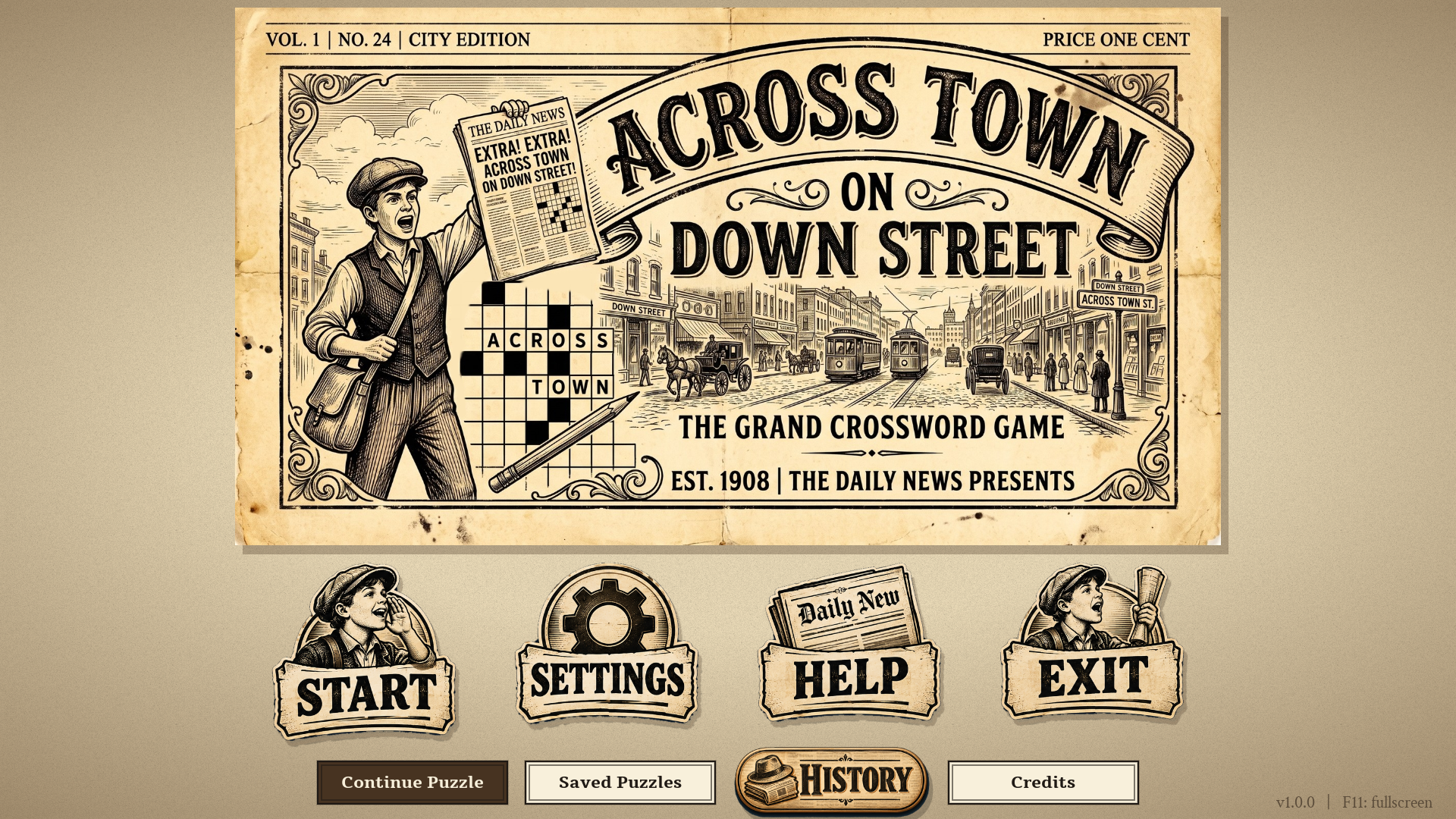
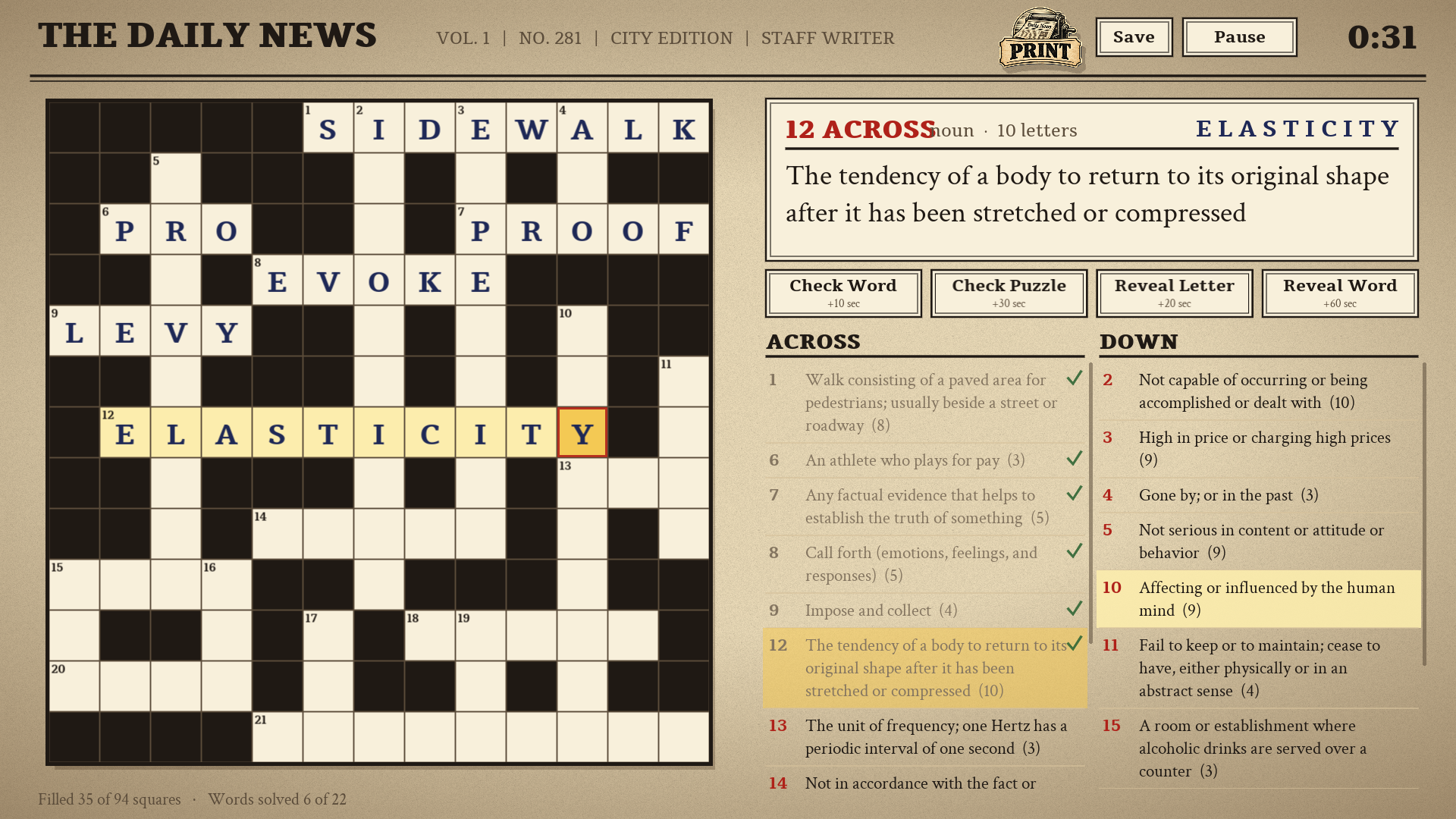
Across Town on Down Street is a single-player crossword set in an early-1900s city newspaper. A newsboy mascot, engraved artwork and serif type on newsprint set the scene, and every puzzle is laid out like a page of The Daily News.
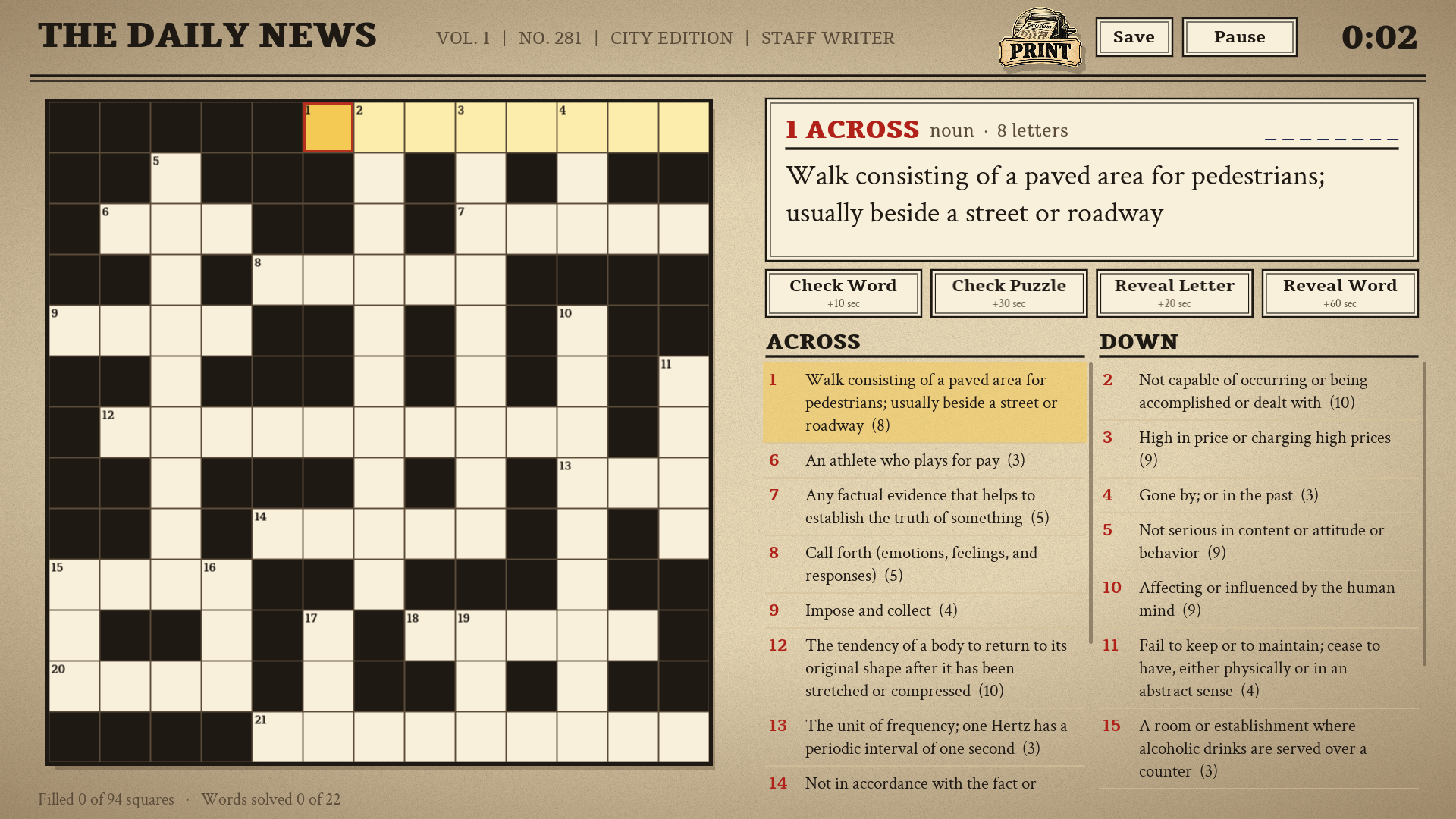
Every clue is a complete definition from Princeton WordNet 3.0, so a puzzle reads like a real crossword page instead of a wall of one-word hints. Today's Puzzle is the same for every player on a given date, and Extra Editions give you as many more as you like.
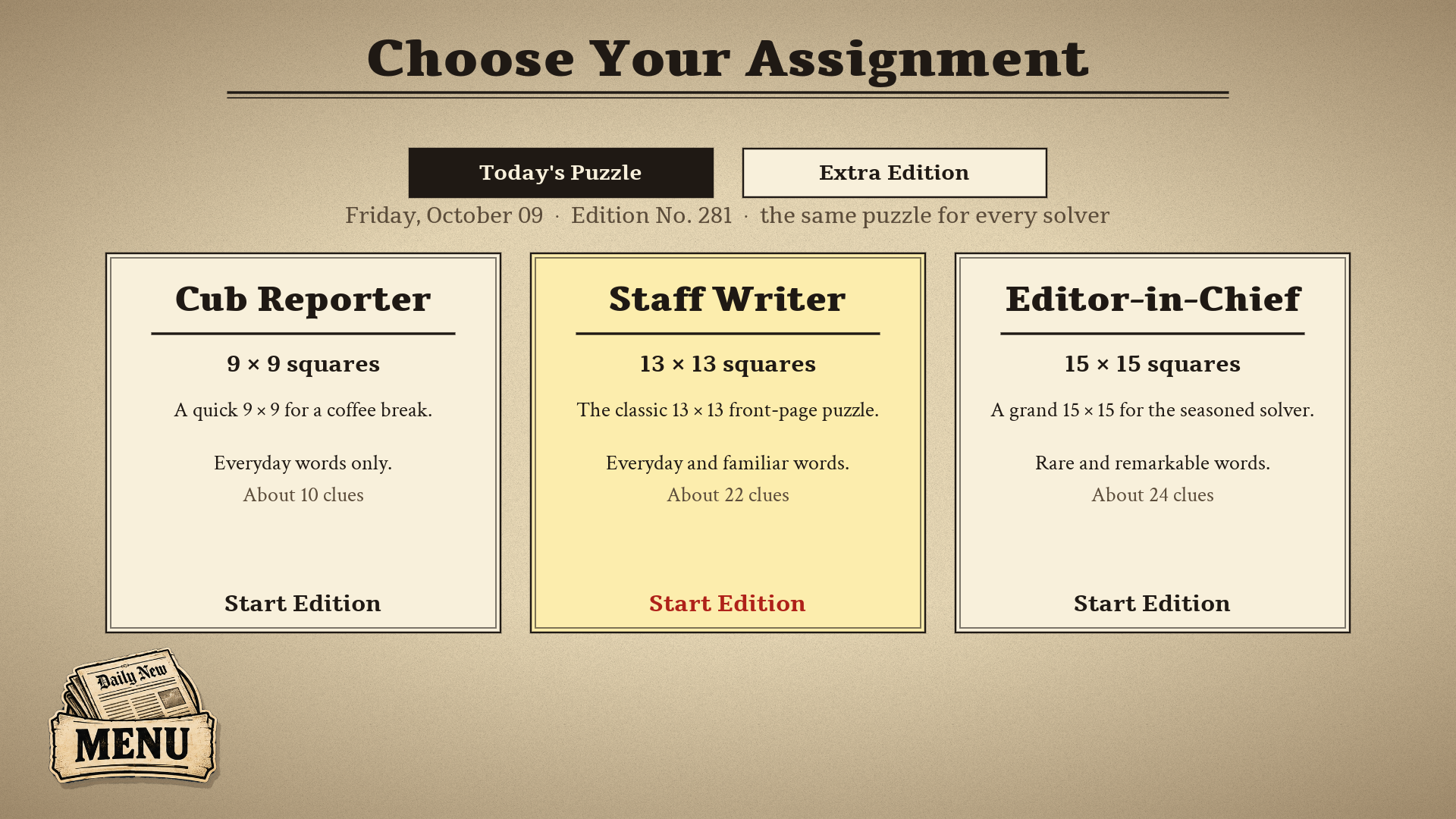
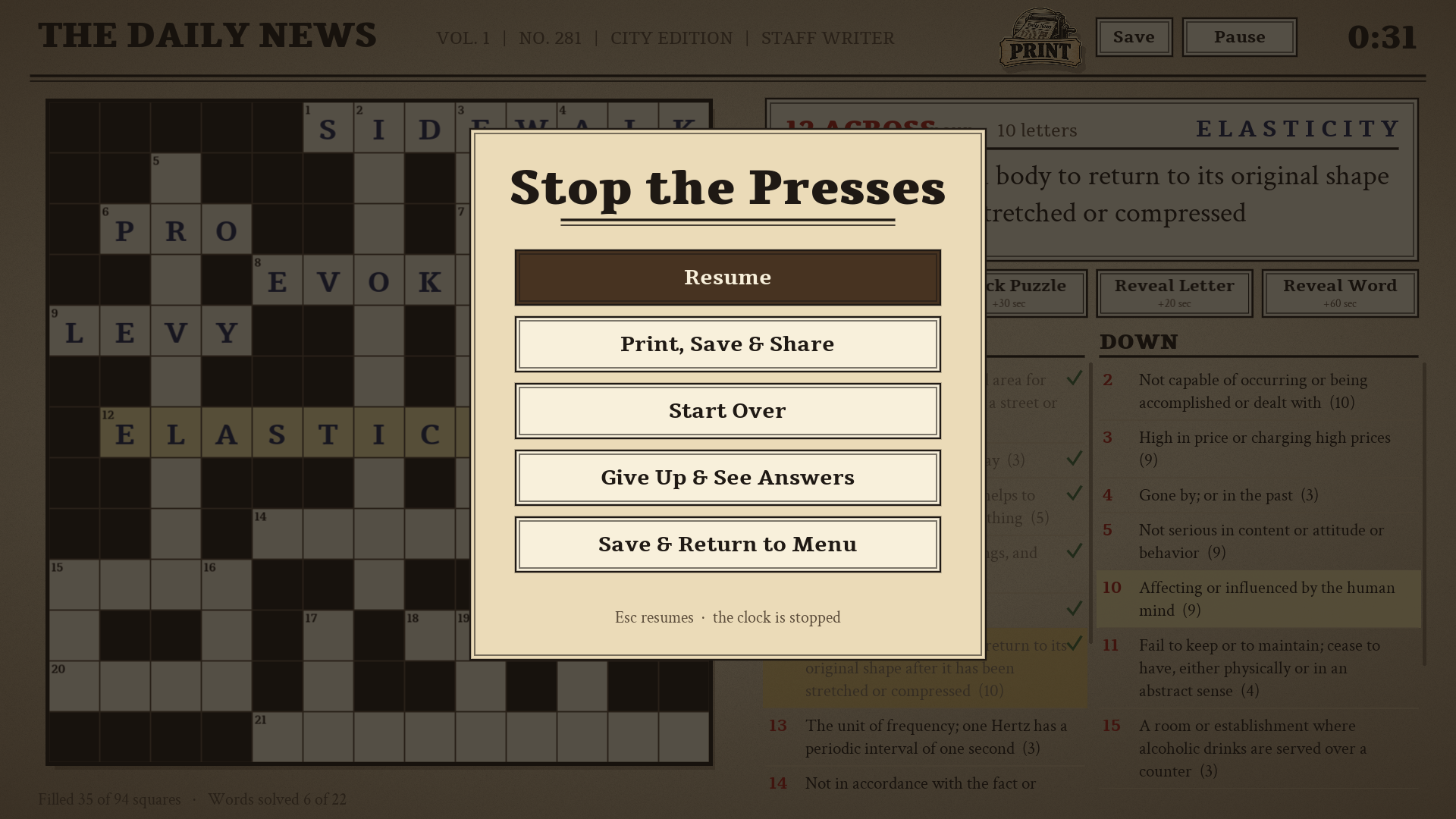
Choose your assignment: Cub Reporter (9 x 9, everyday words), Staff Writer (13 x 13) or Editor-in-Chief (15 x 15, rarer words). Checks and hints cost visible penalty seconds, and your byline depends on how many aids you used. Print a puzzle, or save it to The Shelf and finish it later.
Features
- Today's Puzzle: the same grid and clues for every player on a given date, with a daily streak
- Extra Editions: more puzzles whenever you want them
- Three difficulties: Cub Reporter (9 x 9), Staff Writer (13 x 13) and Editor-in-Chief (15 x 15)
- Full dictionary definitions from Princeton WordNet 3.0 as clues
- Check, reveal letter and reveal word, each with a visible time penalty, and bylines for solving with few aids
- The Shelf: save a puzzle and finish it later, or pick up where you quit
- Print a puzzle, or share a puzzle file with a friend by dropping it on their game window
- Resizable window, fullscreen, keyboard and mouse play
Screenshots
Platforms and downloads
| Platform | Version | File | Size |
|---|---|---|---|
| Windows installer Windows 10 or 11, 64-bit | 1.0.0 | AcrossTownOnDownStreet_Setup_v1.0.0.exe | 11.3 MB |
| Linux AppImage 64-bit (x86_64), self-contained | 1.0.0 | AcrossTownOnDownStreet-linux-v1.0.0.x86_64.AppImage | 11.2 MB |
| macOS disk image Intel and Apple silicon; open it and drag the game to Applications | 1.0.0 | AcrossTownOnDownStreet-macos-v1.0.0.dmg | 19.1 MB |
| macOS app (zip) Same app as the disk image, as a zip | 1.0.0 | AcrossTownOnDownStreet-macos-v1.0.0.zip | 18.3 MB |
Downloads are coming soon.
How to install
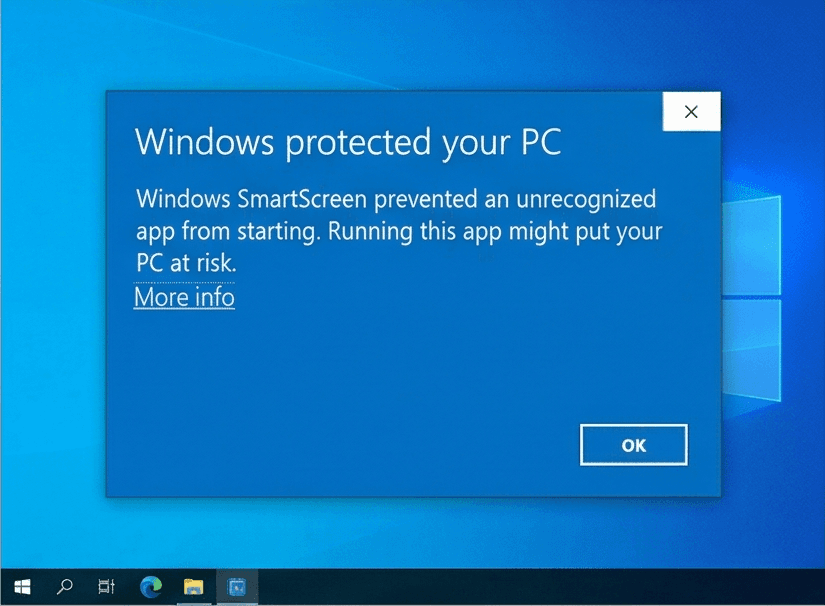
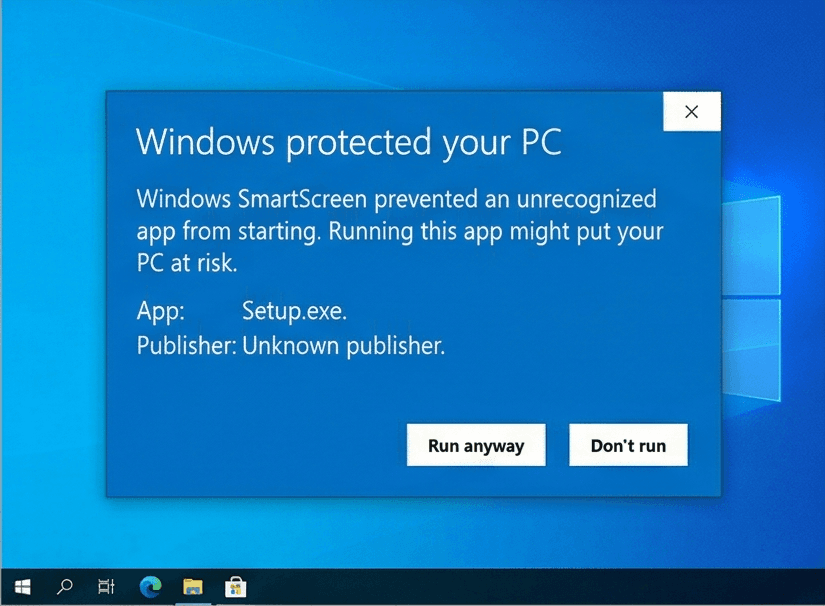
Our Windows installers are digitally signed by Rochaus Design, LLC. Windows SmartScreen can still show a warning for new software until it has built up a reputation. This is expected; here is how to continue. The macOS builds are not yet notarized by Apple, so macOS asks you to approve them once. See the FAQ for more troubleshooting.
Windows
- Download
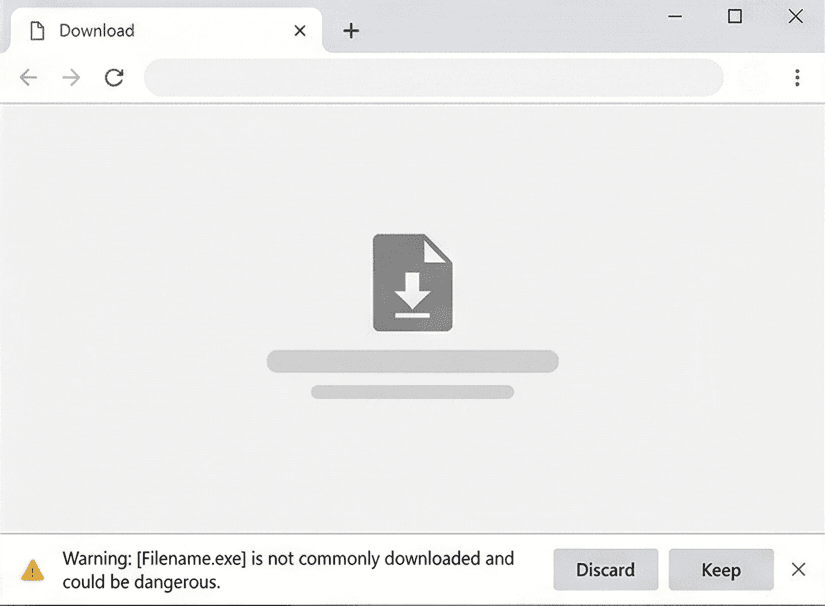
AcrossTownOnDownStreet_Setup_v1.0.0.exefrom your download page. - If your browser blocks the file, open its download menu and choose Keep (then Keep anyway).
- Run the installer. If Windows SmartScreen says it "protected your PC", click More info, then Run anyway.
- Start the game. In the Unlock window, click Paste serial (or press Ctrl+V) with the serial from your purchase email copied. The installer does not ask for it.
Linux
- Download
AcrossTownOnDownStreet-linux-v1.0.0.x86_64.AppImage. - Make it executable:
chmod +x AcrossTownOnDownStreet-linux-v1.0.0.x86_64.AppImage, or tick Allow executing as a program in its file properties. - Run it. If your system lacks FUSE, start it from a terminal with
--appimage-extract-and-run. - In the Unlock window, click Paste serial (or press Ctrl+V) with the serial from your purchase email copied.
macOS
- Download
AcrossTownOnDownStreet-macos-v1.0.0.dmg(or the.zip, which holds the same app) from your download page. - Open the disk image and drag Across Town on Down Street onto Applications. For the zip, double-click it and move the app to Applications.
- Open the game from Applications. macOS says it cannot verify the developer: click Done (or OK).
- Open System Settings > Privacy & Security, scroll down and click Open Anyway, then confirm. You only do this once per game. On macOS 14 or earlier you can instead Control-click the app and choose Open.
- In the Unlock window, click Paste serial (or press Ctrl+V; the Cmd+V shortcut does not work there) with the serial from your purchase email copied.
System requirements
- OS
- Windows 10 or 11 (64-bit)macOS 10.15 or later (Intel or Apple silicon)Linux, 64-bit (x86_64) desktop distribution
- Memory
- 1 GB RAM
- Storage
- 100 MB free space
- Graphics
- Any graphics card or integrated GPU with OpenGL 2.1 support
- Input
- Mouse or trackpad and keyboard
Controls
Mouse
- Click a square
- Select it
- Click a clue
- Jump to that word
Keyboard
- Letters
- Type into the selected square
- Arrow keys, Tab, Space
- Move around the grid and between words
- Ctrl+S
- Save the puzzle to The Shelf
- Ctrl+P
- Print, save or share the puzzle
- F11
- Fullscreen
License
Across Town on Down Street is licensed, not sold. Read the End-User License Agreement before you buy. Third-party credits ship with the game in THIRD_PARTY_NOTICES.txt. See also our Terms of Service and Privacy Policy.
Release notes
See what changed in every version of Across Town on Down Street: release notes.